Prompt Seedance 2.5
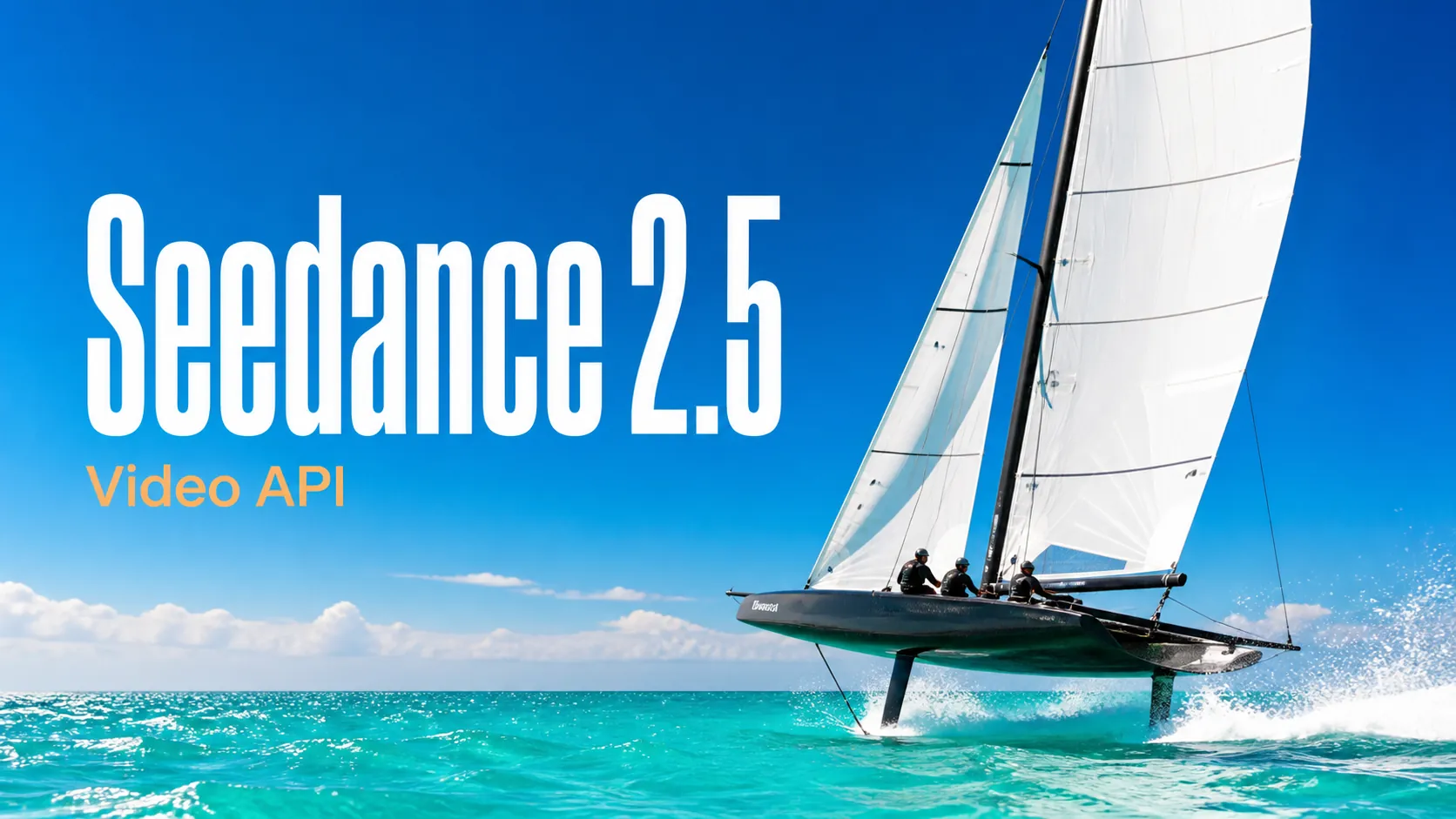
Khám phá các prompt video Seedance 2.5 có cấu trúc cho cảnh điện ảnh, quảng cáo, hoạt hình, UGC và quy trình image-to-video có kiểm soát.
Dùng thử miễn phí để tạo ảnh chất lượng cao hơn
Trải nghiệm tạo ảnh nhanh hơn, chất lượng hơn, không quảng cáo qua trang web chuyên nghiệp của chúng tôi
Bắt đầu với các ví dụ prompt hình ảnh và video thiết thực, mở một bộ sưu tập prompt hoàn chỉnh hoặc duyệt thư viện GitHub được duy trì thường xuyên.
Khám phá các prompt video Seedance 2.5 có cấu trúc cho cảnh điện ảnh, quảng cáo, hoạt hình, UGC và quy trình image-to-video có kiểm soát.
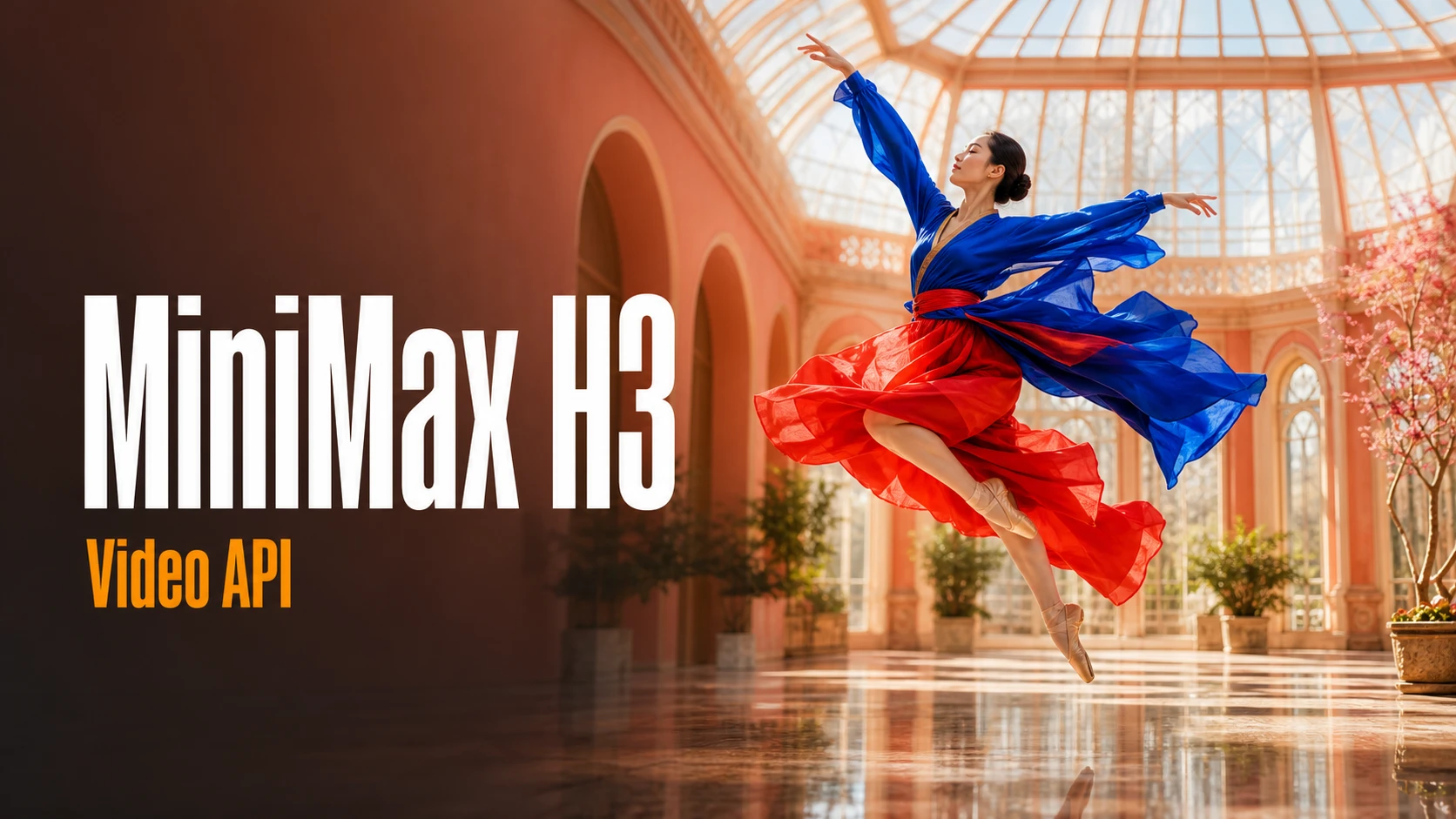
Duyệt các prompt MiniMax H3 hướng đến sản xuất cho phim thương hiệu, video sản phẩm, chiến dịch mạng xã hội, kể chuyện và sáng tạo nghe nhìn.
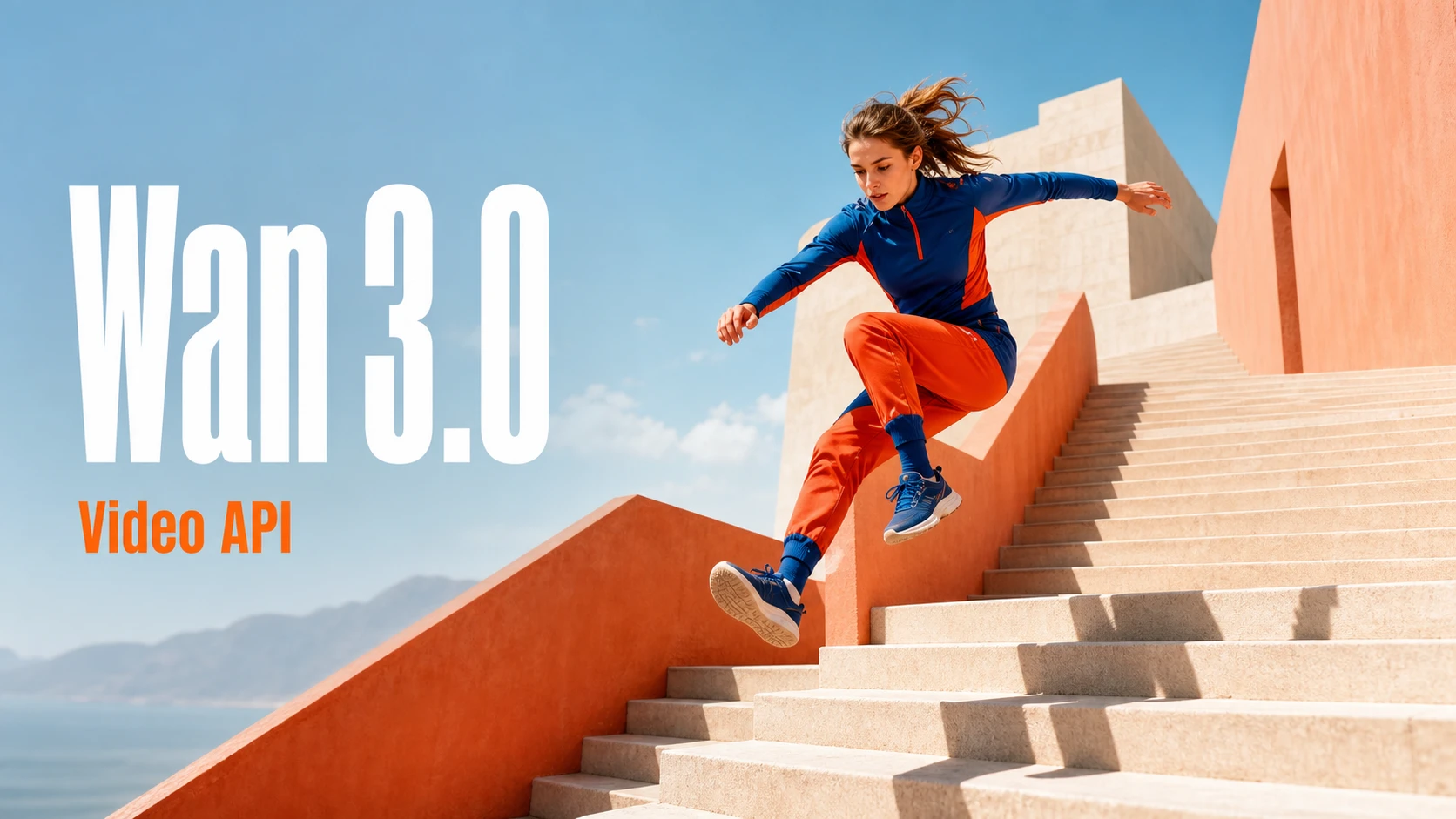
Khám phá các ý tưởng prompt Wan 3.0 cho kể chuyện điện ảnh, chuyển cảnh, video sản phẩm, hành động, hoạt hình và chỉ đạo video chuyên nghiệp.
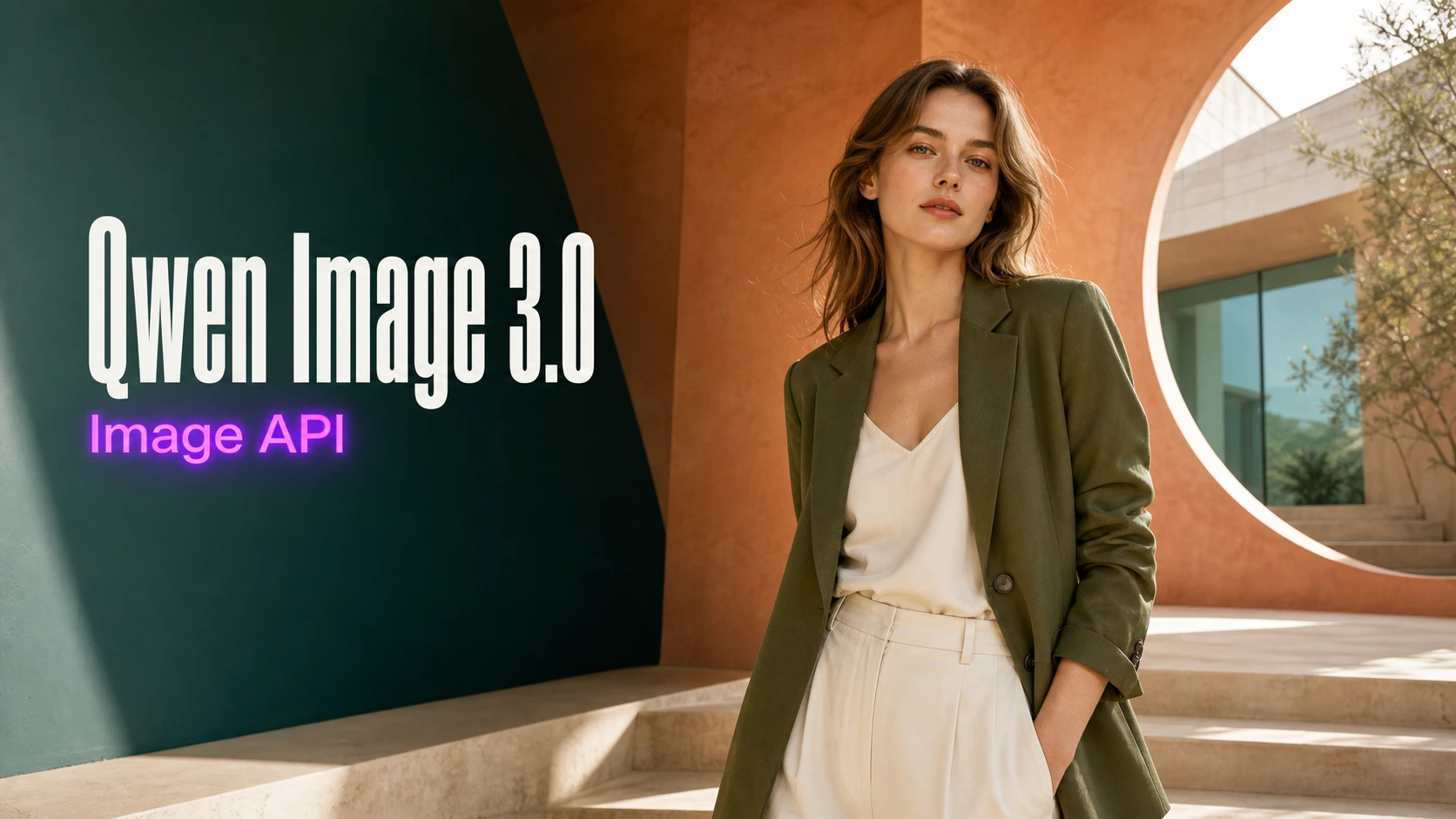
Tìm các prompt Qwen Image 3.0 chi tiết cho áp phích, hình ảnh sản phẩm, nội dung mạng xã hội, thiết kế biên tập, nghệ thuật chữ và sản xuất hình ảnh.
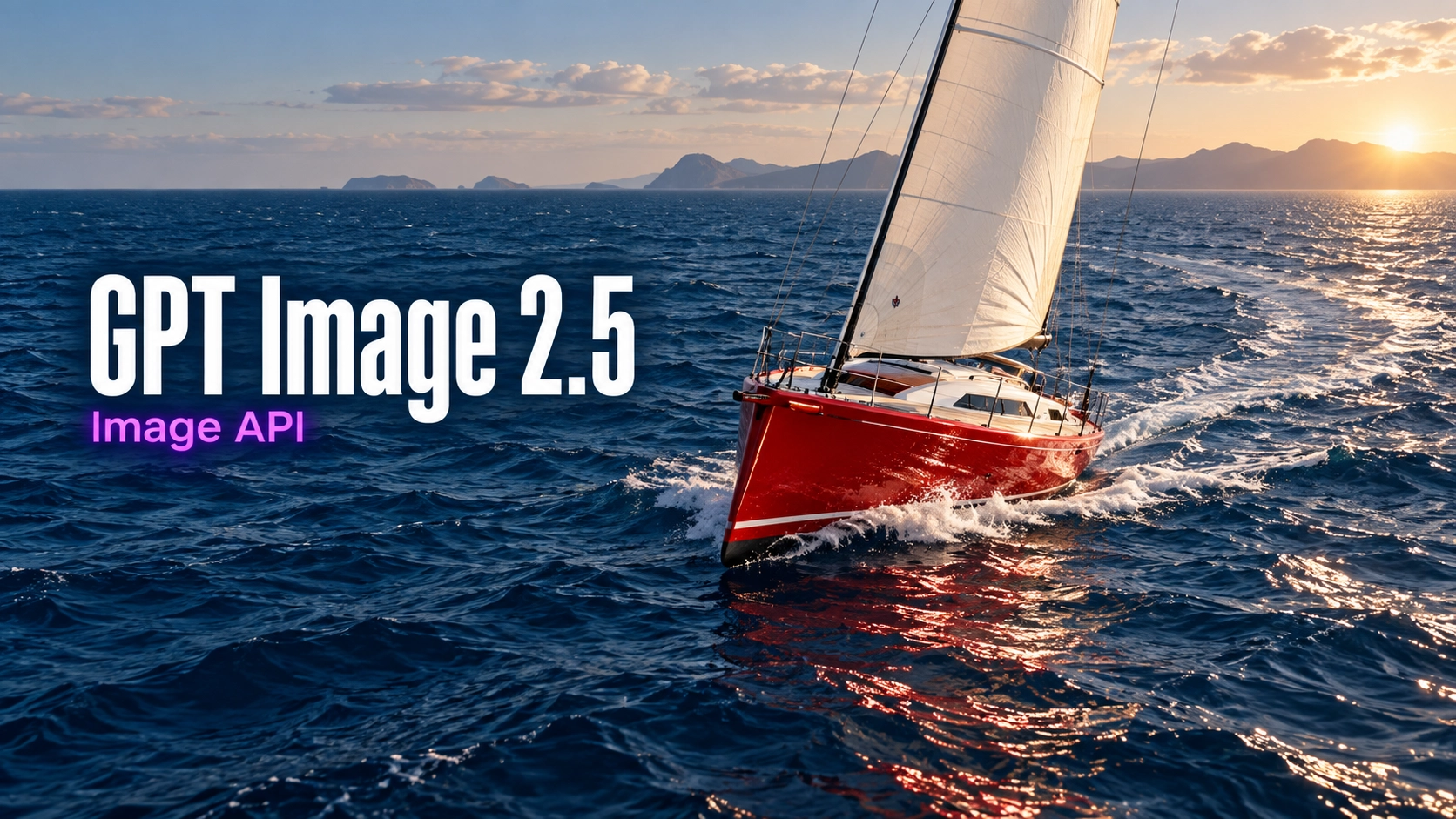
Khám phá câu lệnh ảnh cho hình ảnh sản phẩm, thiết kế biên tập, chân dung, kiểu chữ và chỉnh sửa có kiểm soát theo ảnh tham chiếu.
Khám phá nhiều công cụ sáng tạo AI cho quy trình hình ảnh và video nhanh ngay trong trình duyệt, sau đó mở rộng các ý tưởng thành công bằng API mô hình sẵn sàng cho sản xuất của Best Image AI. Best Image AI cung cấp một lớp API thống nhất cho mọi mô hình, giúp bạn dễ dàng sử dụng và mở rộng quy trình.

Tạo hình ảnh AI từ câu lệnh văn bản

Tạo hình ảnh AI từ hình ảnh và câu lệnh văn bản

Tạo video AI từ câu lệnh văn bản

Biến hình ảnh thành video AI

Tạo hình ảnh và video AI trong một không gian làm việc hợp nhất

Tạo video nhất quán từ phương tiện tham chiếu

Xây dựng quy trình hình ảnh và video AI trực quan trên canvas vô hạn
Sáng tạo miễn phí · Kiếm tiền qua tiếp thị liên kết
Tham gia chương trình tiếp thị liên kết Bestimage.ai, chia sẻ liên kết giới thiệu với những nhà sáng tạo cần công cụ AI đáng tin cậy và nhận hoa hồng từ lượt giới thiệu.
Tham gia chương trình tiếp thị liên kếtMột trình tạo hình ảnh AI và trình chỉnh sửa hình ảnh AI linh hoạt cho việc tạo text-to-image và image-to-image, được xây dựng để bám sát prompt chi tiết, bố cục rõ ràng, hướng hình ảnh chính xác, chỉnh sửa theo tham chiếu và lặp lại sáng tạo nhanh.
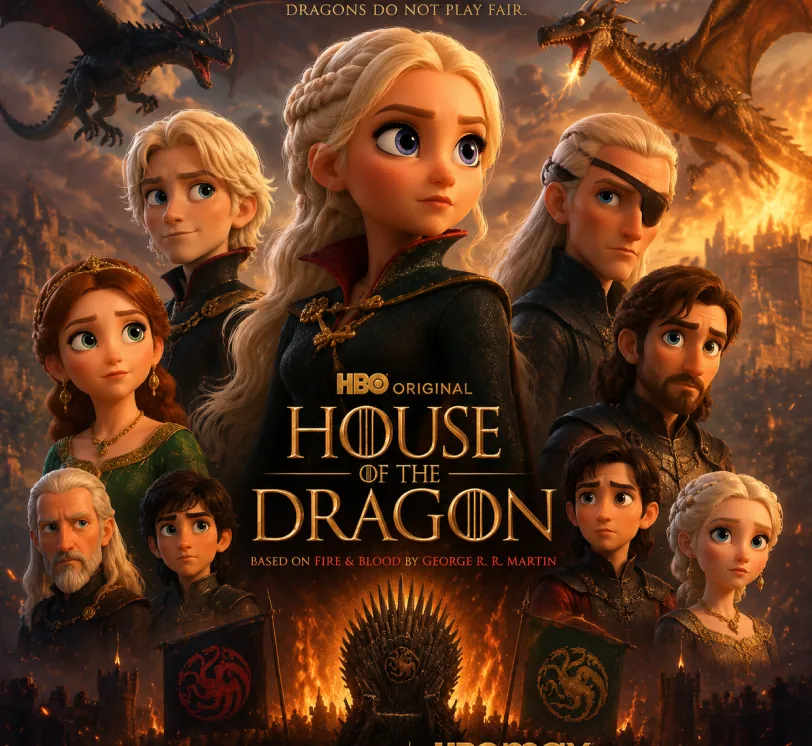
Pixar-style movie poster reimagining of the TV show {argument name="House of the Dragon" default="[Breaking Bad]"}. Feature the main cast as charming 3D CGI caricature characters with exaggerated, expressive features, big expressive eyes, and warm glossy Pixar-quality rendering. Compose it as an actual movie poster
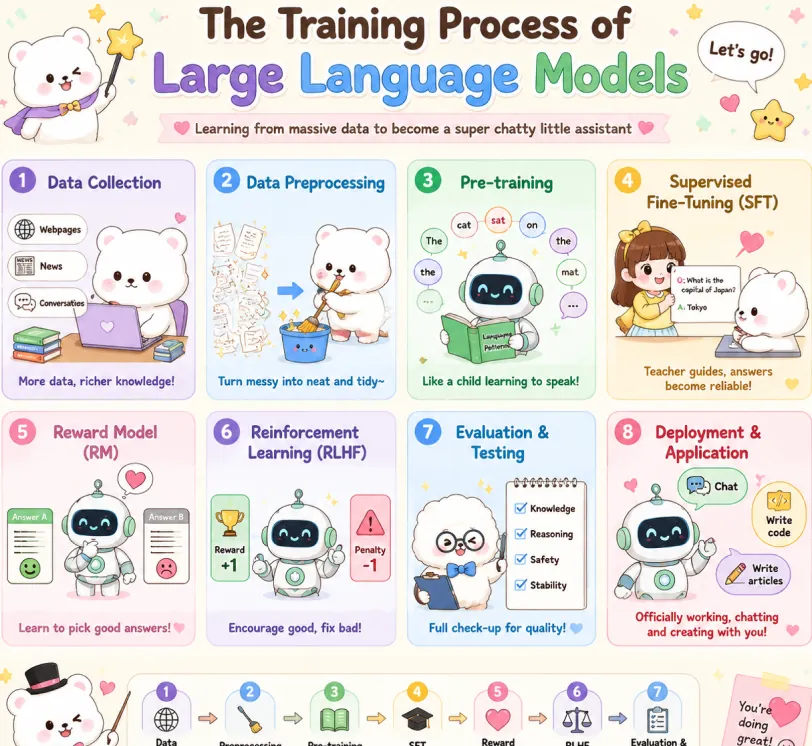
Create a cute pastel horizontal poster titled 'The Training Process of Large Language Models' with subtitle 'Learning from massive data to become a super chatty little assistant'. Hand-drawn cartoon style, rounded panels, soft cream background, pastel colors (lavender, sky blue, mint green, yellow, pink, brown), crisp English text, stars, hearts, arrows, speech bubbles. Warm friendly tone. 2x4 grid: Data Collection (lavender): White bear with laptop and books. Labels: Webpages, News, Conversations. Caption: More data, richer knowledge! Data Preprocessing (sky blue): Bear cleans messy papers into bucket. Caption: Turn messy into neat and tidy~ Pre-training (mint green): Cute robot reads book with token bubbles. Caption: Like a child learning to speak! Supervised Fine-Tuning SFT (yellow): Teacher shows QA card to bear. Caption: Teacher guides, answers become reliable! Reward Model RM (pink): Robot picks the better answer. Caption: Learn to pick good answers! Reinforcement Learning RLHF (lavender blue): Robot sees reward and penalty. Caption: Encourage good, fix bad! Evaluation & Testing (blue): Fluffy character checks Knowledge, Reasoning, Safety, Stability. Caption: Full check-up for quality! Deployment & Application (red pink): Robot with Chat, Write code, Write articles. Caption: Officially working, chatting and creating with you! Top: Sparkle, confetti, white mascot with star wand, 'Let's go!' bubble. Bottom: Bow-tie mascot, 7-step flow with arrows: Data Collection → Preprocessing → Pre-training → SFT → Reward Model → RLHF → Evaluation. Closing: This is how large language models grow from knowing nothing to super scholar! ٩(๑^o^ٖ)۶. Heart sticky note. Mascots: cute robot, chubby white bear, teacher girl, fluffy examiner. Polished and shareable infographic.
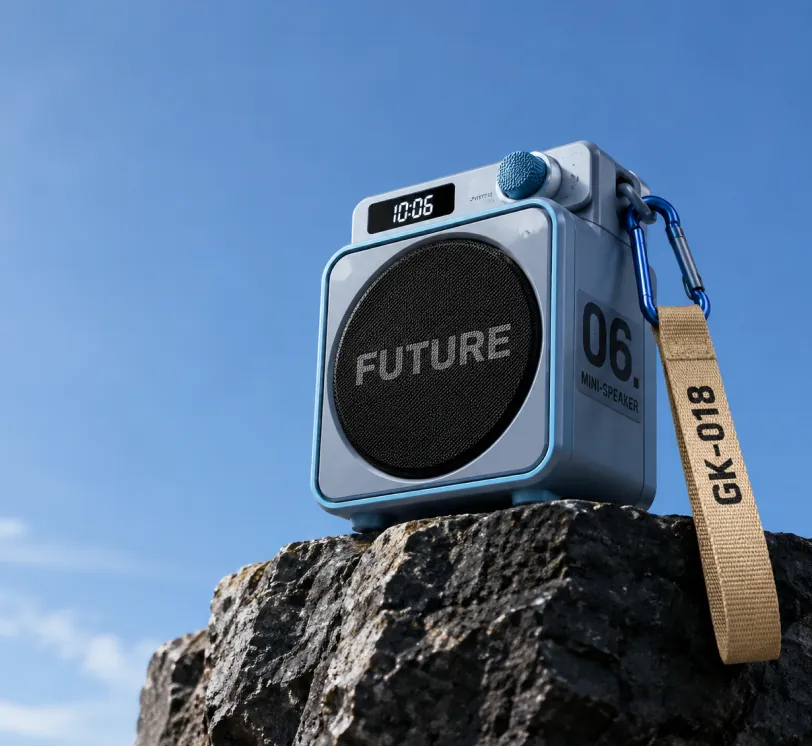
Photorealistic product photography of a compact modern portable mini-speaker resting on the edge of a dark rugged rocky cliff against a vast clear blue sky. The speaker has a sleek cube-shaped body in matte light blue-gray with metallic blue trim and rounded corners. Front face features a large circular black mesh speaker grille with the bold word "FUTURE" in large gray capital letters across the center. Right side panel displays large black text "06." above smaller stacked text "MINI-SPEAKER". Top surface has a small rectangular digital display showing "10:06" in white digits on black, next to a blue cylindrical control knob labeled "SWITCH". A blue carabiner clip on the top right holds a beige woven fabric strap hanging downward with "GK-018" printed in black capital letters. Low angle shot looking slightly upward, dramatic perspective emphasizing height, professional studio lighting mixed with natural daylight, soft shadows, ultra sharp focus, high resolution, clean minimalist composition with expansive blue sky on the left and upper frame, premium outdoor tech gadget aesthetic, cinematic product photography style.
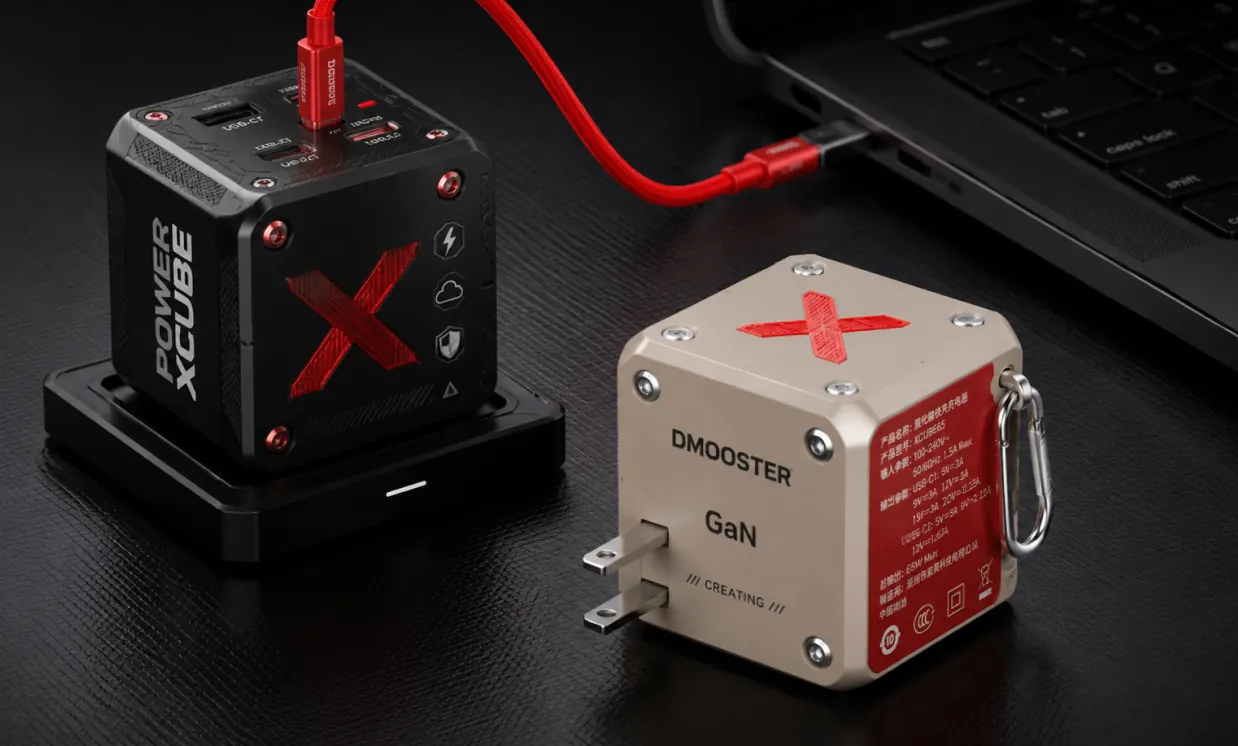
Photorealistic professional studio product photography of two modern cube-shaped GaN power adapters on a dark charcoal textured surface with subtle grid pattern. In the foreground right, a matte beige power cube featuring a large red X logo on top, silver metal rivets, "DMOOSTER" branding in gray, "GaN" text, and "CREATING" below. The red side panel displays detailed white Chinese specification text and symbols. It has two flat metallic prongs and a silver carabiner-style metal clip on the side. Slightly behind and to the left, elevated on a black rectangular docking base, stands a matte black power cube with bold vertical white text "POWER XCUBE", a prominent red X logo, multiple small functional icons (lightning bolt, cloud, shield), and red accent screws. A thick vibrant red cable is plugged into the top USB-C port of the black cube, curving smoothly to connect with a partially visible black laptop in the upper right background. Soft cinematic studio lighting with gentle highlights and defined shadows, sharp focus on both products, shallow depth of field, ultra-detailed textures and realistic materials, high-end tech product visualization, dark moody atmosphere, Behance portfolio aesthetic, 8k resolution.
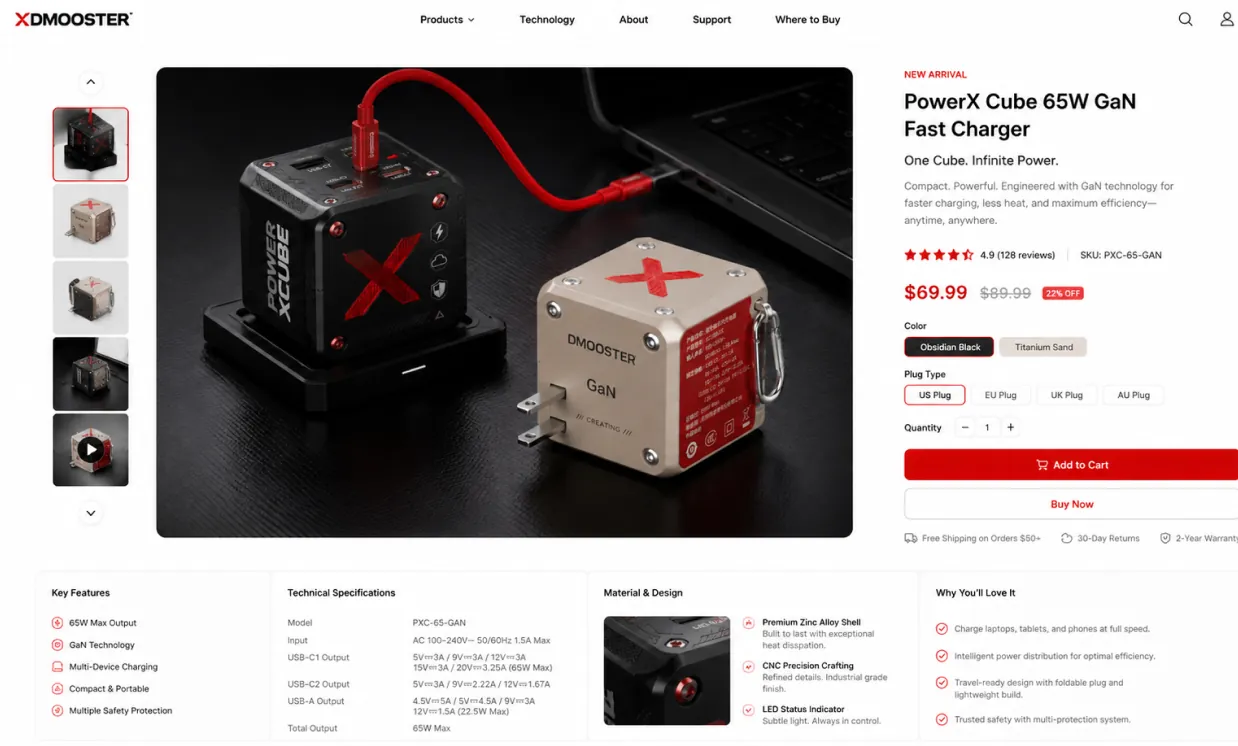
Use the provided product image as the exact hero product and create a beautiful desktop e-commerce product detail page mockup in a 16:9 ratio. Keep the product’s real shape, proportions, materials, colors, and branding consistent with the input image. Design a premium, modern, minimal product showcase webpage with strong commercial appeal, suitable for product presentation, retail concept design, brand landing pages, and UI mockups. Layout should include: a clean top navigation bar, left-side thumbnail gallery or supporting product visuals, a large central hero product display with soft studio lighting and realistic shadow, and a right-side product information panel with product title, price, concise marketing copy, selectable options, quantity control, and strong call-to-action buttons. Add a lower information area with feature icons, technical specifications, material highlights, and short selling points arranged in a polished grid. Use elegant sans-serif typography, precise spacing, thin divider lines, subtle cards, white or very light neutral background, and a calm premium color system derived from the product itself. Overall look: realistic, high-end, conversion-focused, clean desktop UI, refined industrial design presentation, dribbble/brand-site quality, not mobile, not cluttered, not cartoon.
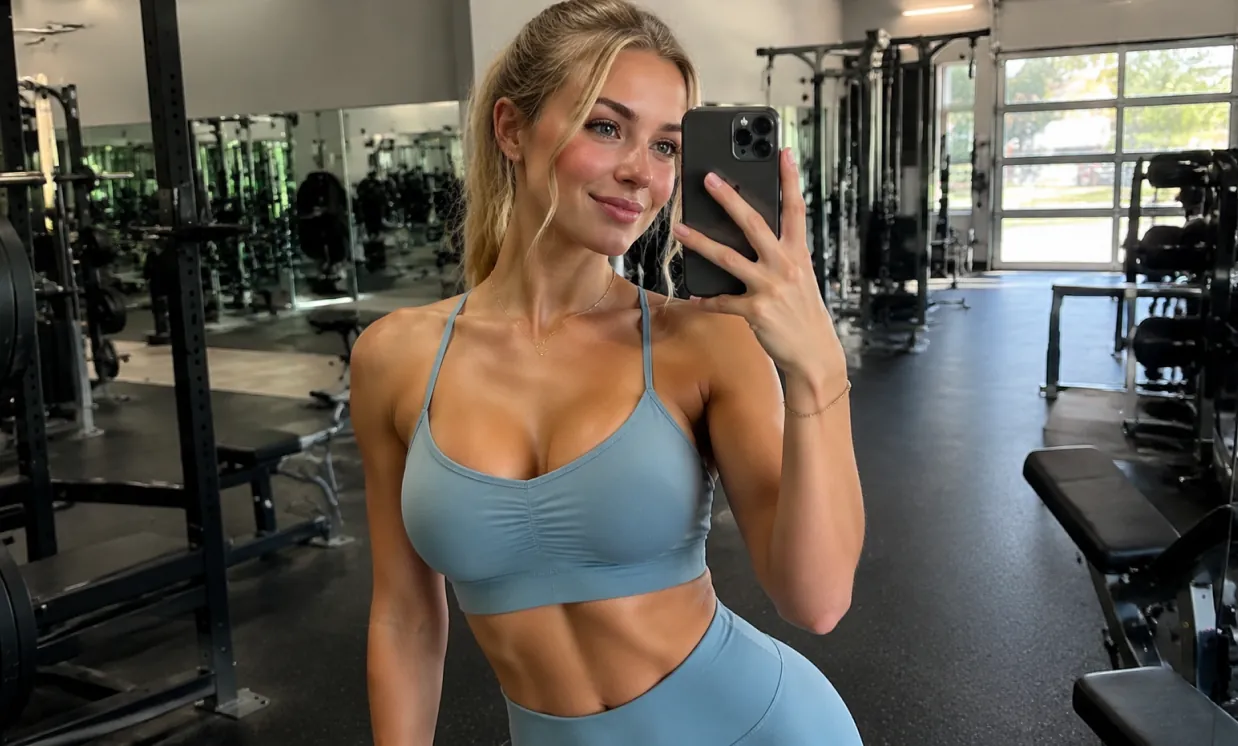
A beautiful and attractive European white young woman taking a selfie in the gym, wearing yoga clothes and showing off her curvaceous figure.
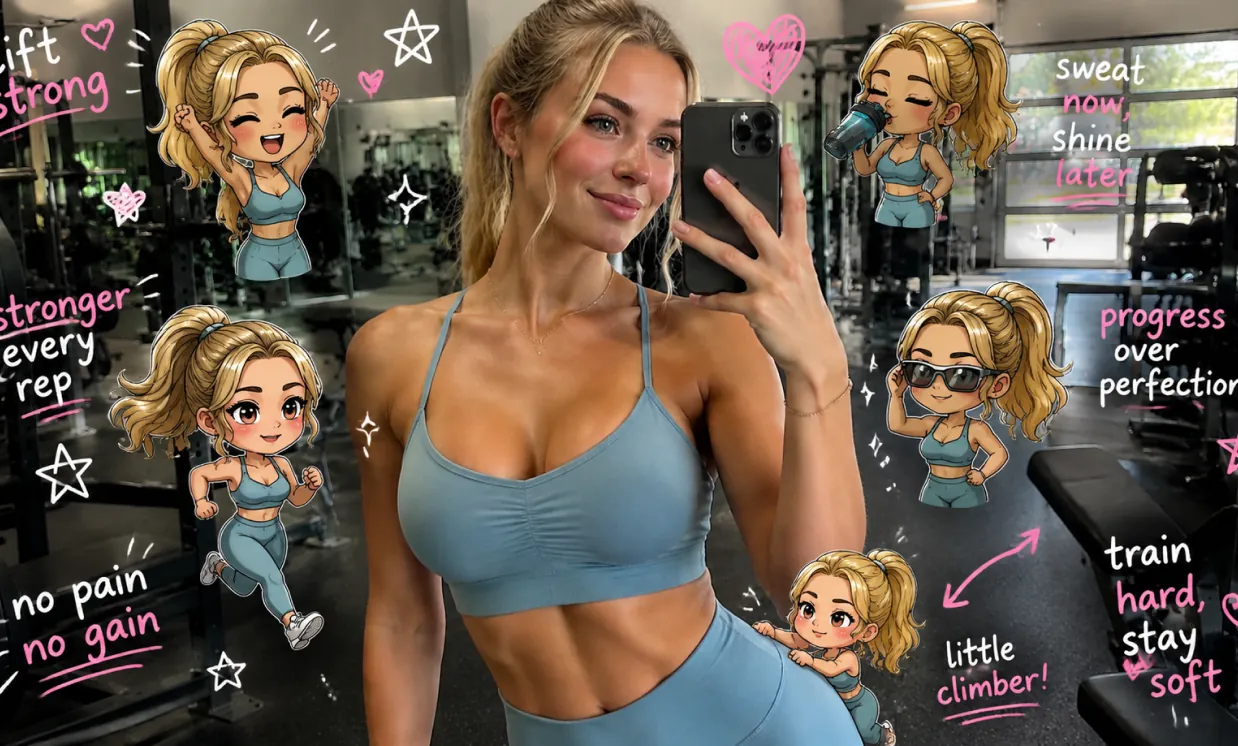
Edit the image while keeping the original photo completely unchanged — including the person, face, body, pose, lighting, and gym background. Add multiple small, cute chibi-style “mini versions” of her around the image. Each mini character should have a big head, expressive facial features, and match her hairstyle and outfit. Depict each mini version doing different gym-related activities: one cheering with arms raised one running in running shoes one drinking from a shaker bottle one wearing sporty running glasses one climbing near her leg Enhance the image with playful, hand-drawn doodles and handwritten notes in white and pink ink, in a scrapbook style. Include elements like arrows, stars, hearts, sparkles, and sketchy lines. Add cute, handwritten gym-themed motivational phrases: “lift strong” “stronger every rep” “no pain no gain” “sweat now, shine later” “progress over perfection” “train hard, stay soft” The overall vibe should feel fun, energetic, and feminine.
Free GPT Image 2 giúp creator nhanh chóng biến ý tưởng thành hình ảnh có thể dùng, kết hợp prompt ngôn ngữ tự nhiên, quy trình chỉnh sửa hình ảnh AI trực tuyến, hỗ trợ hình ảnh tham chiếu và các lựa chọn tỷ lệ khung hình phổ biến cho sản xuất hình ảnh hằng ngày.
Mô tả chủ thể, bối cảnh, ánh sáng, góc máy, phong cách, bảng màu, bố cục, tâm trạng và hướng văn bản bằng ngôn ngữ thông thường để định hướng kết quả hình ảnh có kiểm soát hơn.
Bắt đầu chỉ với text prompt, hoặc kết hợp prompt với hình ảnh tham chiếu đã tải lên để định hướng chỉnh sửa, thiết kế lại hình ảnh, tạo biến thể và khám phá hướng nghệ thuật mới.
Tạo hình ảnh cho bài đăng vuông, ảnh dọc, banner, thumbnail, poster, bìa di động và cảnh màn hình rộng với các lựa chọn tỷ lệ khung hình linh hoạt.
Dùng Free GPT Image 2 cho concept marketing, hình ảnh mạng xã hội, mockup sản phẩm, storyboard, đồ họa giáo dục, thử nghiệm thương hiệu và bản xem trước thiết kế nhanh.
Dùng Free GPT Image 2 để tạo hình ảnh AI trực tuyến trong marketing, thiết kế, giáo dục, thương mại điện tử, sáng tạo cá nhân và sản xuất nội dung. Công cụ giúp cá nhân và đội ngũ tạo bản nháp hình ảnh có thể dùng mà không phải bắt đầu mọi hình ảnh từ một khung trống.
Tạo bài đăng sẵn sàng để cuộn xem, thumbnail, hình ảnh hồ sơ, bìa video ngắn và đồ họa chiến dịch được định cỡ cho các nhu cầu xuất bản khác nhau.
Tạo cảnh sản phẩm, mockup phong cách sống, poster quảng bá, concept bao bì và biến thể quảng cáo trước khi đầu tư vào thiết kế hoặc sản xuất ảnh đầy đủ.
Tải lên hình ảnh tham chiếu để điều chỉnh phong cách, thiết kế lại cảnh, thử nền, thay đổi hướng hình ảnh hoặc tạo các biến thể sáng tạo nhất quán hơn.
Biến ý tưởng trừu tượng thành minh họa rõ ràng, hình ảnh bài học, đồ họa slide, sơ đồ và hình ảnh giải thích cho học tập, giảng dạy và giao tiếp.
Tạo hoặc chỉnh sửa hình ảnh AI trong một quy trình trực tuyến đơn giản: nhập prompt, tùy chọn tải lên hình ảnh tham chiếu, chọn tỷ lệ khung hình và tạo hình ảnh cuối cùng.
Viết nội dung bạn muốn tạo, gồm chủ thể, môi trường, phong cách, màu sắc, góc máy, ánh sáng, bố cục, văn bản và mọi chi tiết hình ảnh quan trọng.
Đối với tạo image-to-image, hãy thêm hình ảnh tham chiếu và giải thích kết quả nên biến đổi, giữ lại hoặc diễn giải lại hình ảnh đã tải lên như thế nào.
Chọn tỷ lệ khung hình phù hợp với nền tảng mục tiêu, tạo hình ảnh, xem trước kết quả, tinh chỉnh prompt và xuất hình ảnh cuối cùng khi đã sẵn sàng.
Khám phá các model AI hình ảnh, video, LLM hoặc model khác tiêu biểu cho quy trình sáng tạo sẵn sàng sản xuất, với giá và ưu đãi theo thời gian thực qua chợ model thống nhất của Best Image AI.