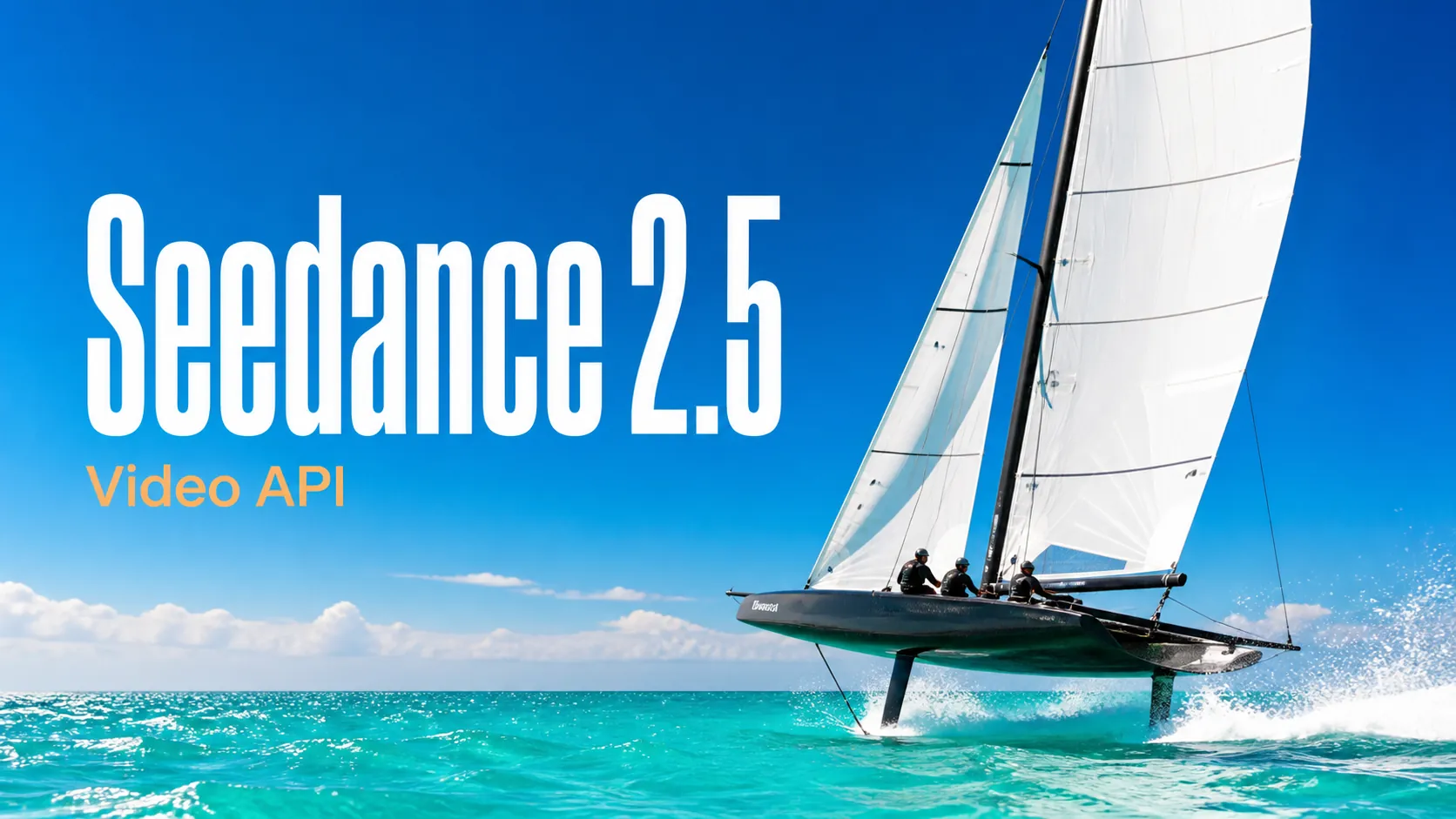
Seedance 2.5 Prompts
Explore structured Seedance 2.5 video prompts for cinematic scenes, advertising, animation, UGC, and controlled image-to-video workflows.
Start with practical image and video prompt examples, open a complete prompt collection, or browse its maintained GitHub library.
Explore structured Seedance 2.5 video prompts for cinematic scenes, advertising, animation, UGC, and controlled image-to-video workflows.
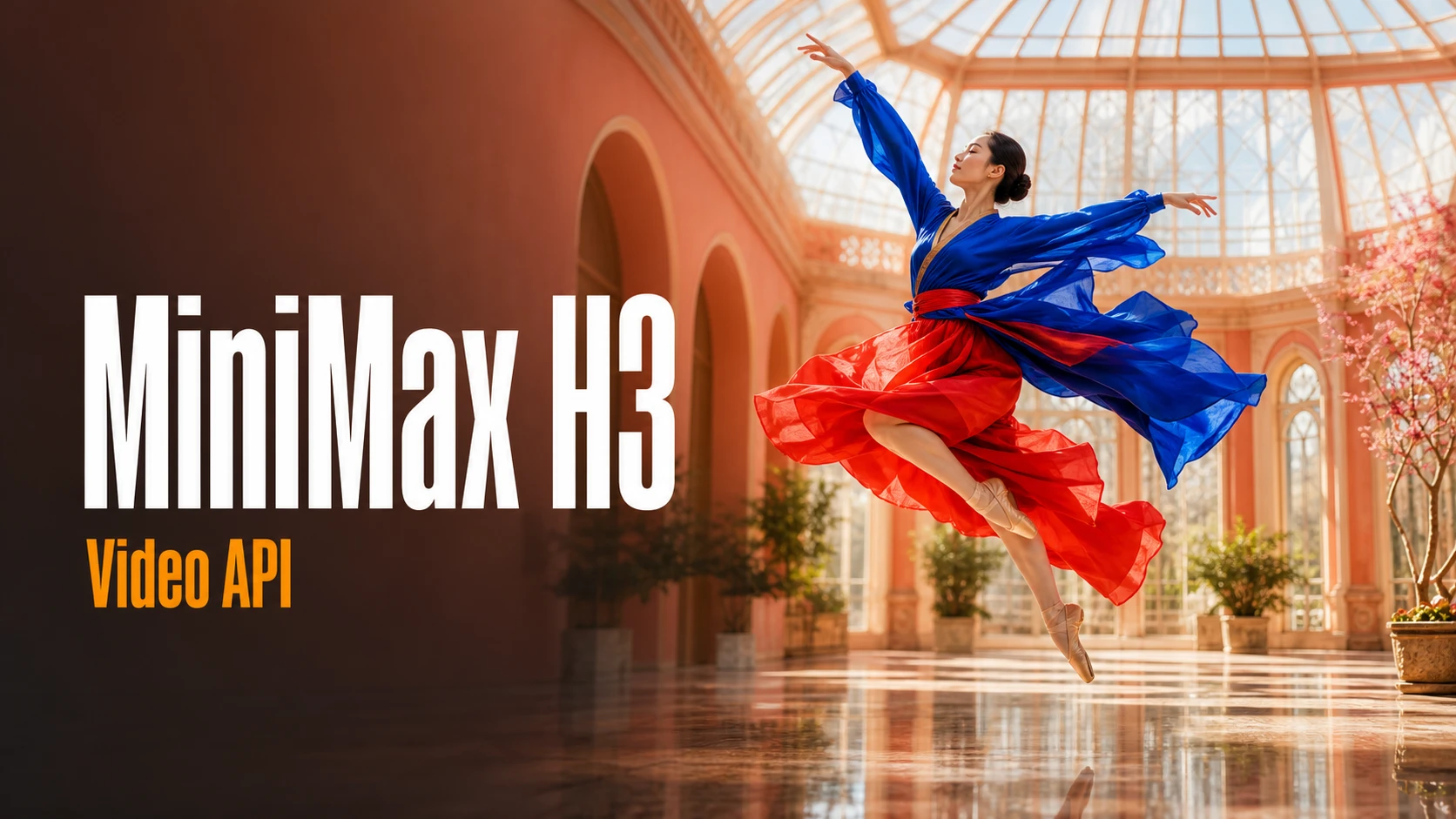
Browse production-oriented MiniMax H3 prompts for brand films, product videos, social campaigns, storytelling, and audiovisual creation.
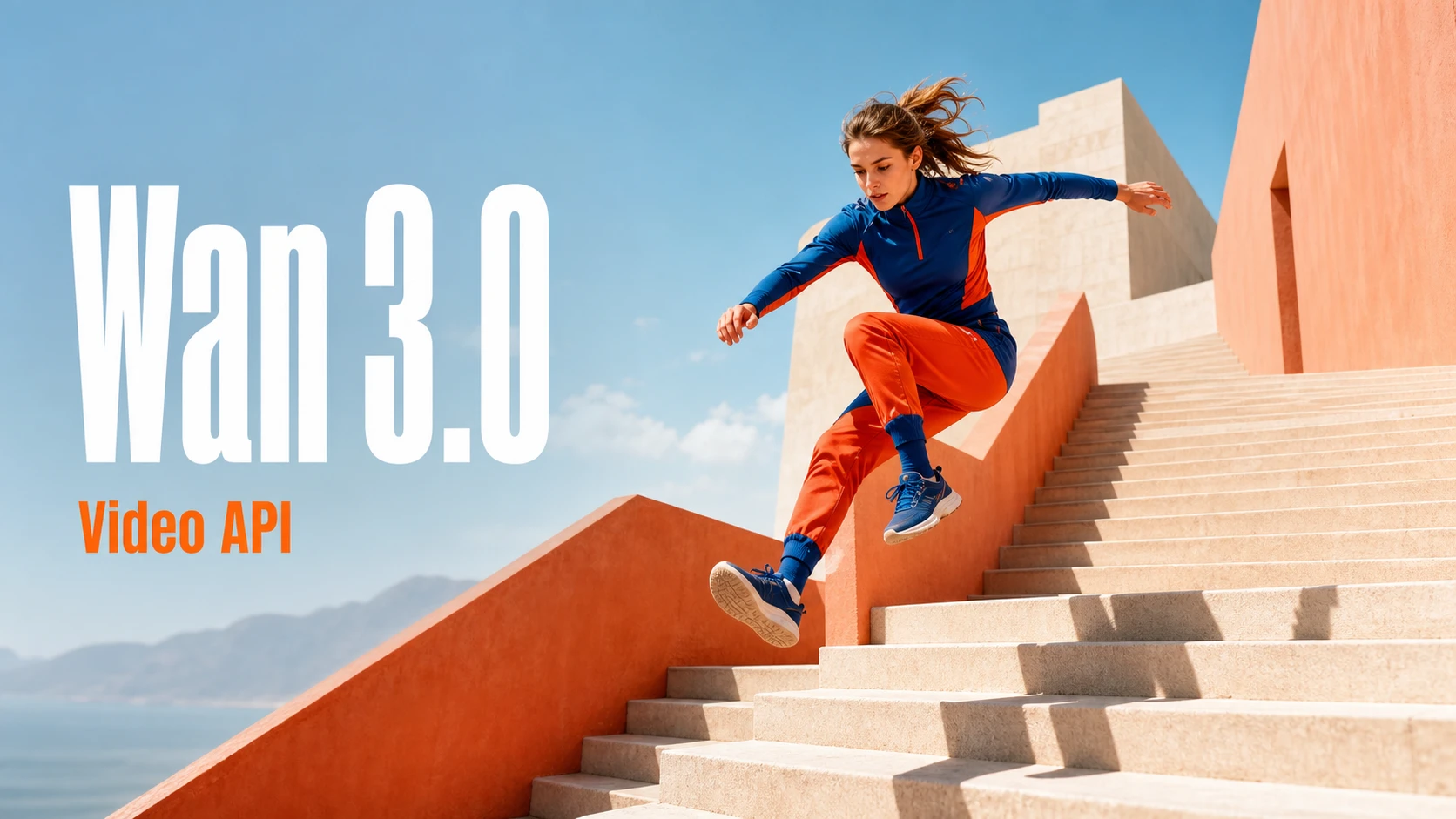
Discover Wan 3.0 prompt ideas for cinematic storytelling, transitions, product videos, action, animation, and professional video direction.
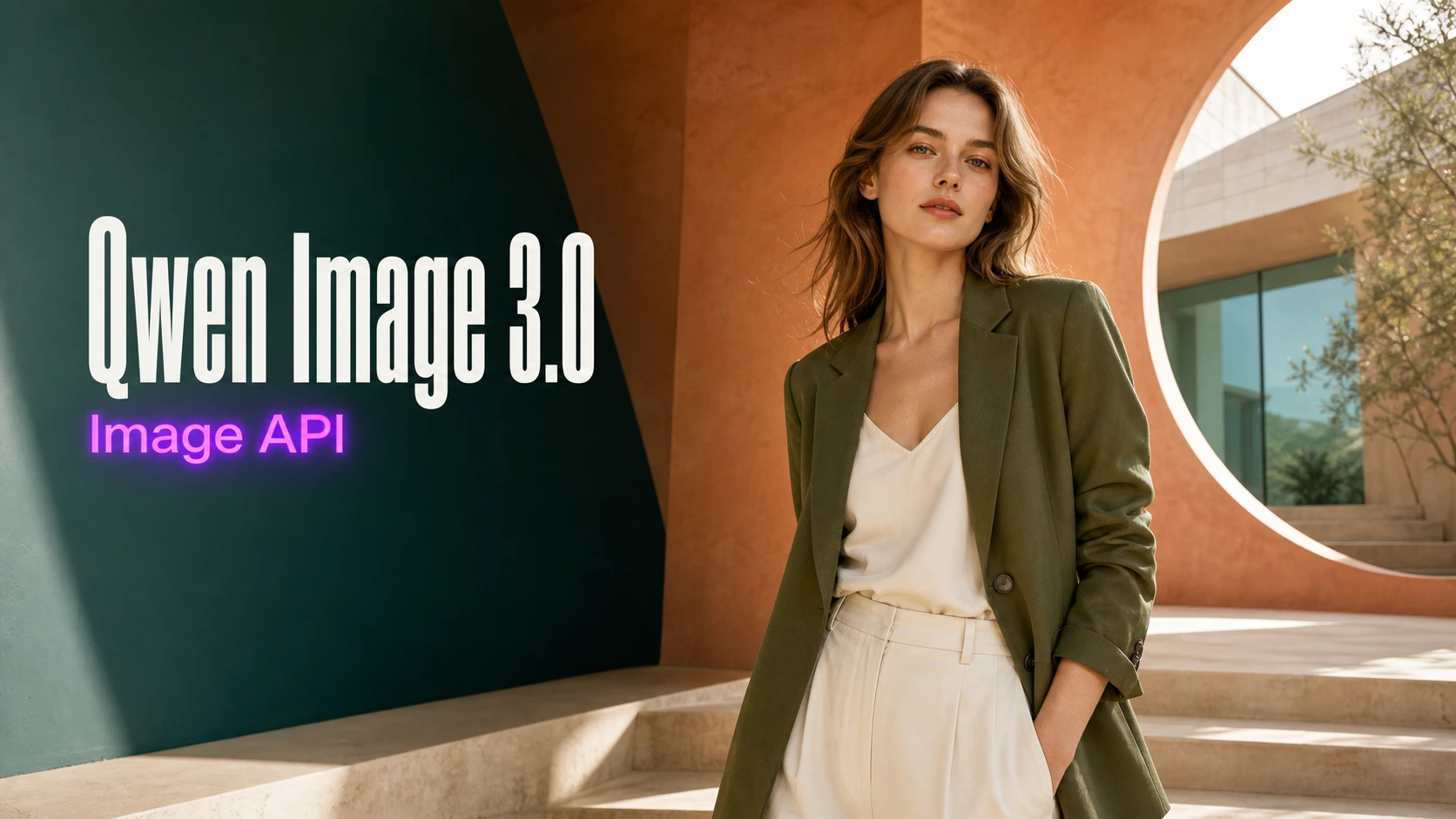
Find detailed Qwen Image 3.0 prompts for posters, product visuals, social content, editorial design, typography, and image production.
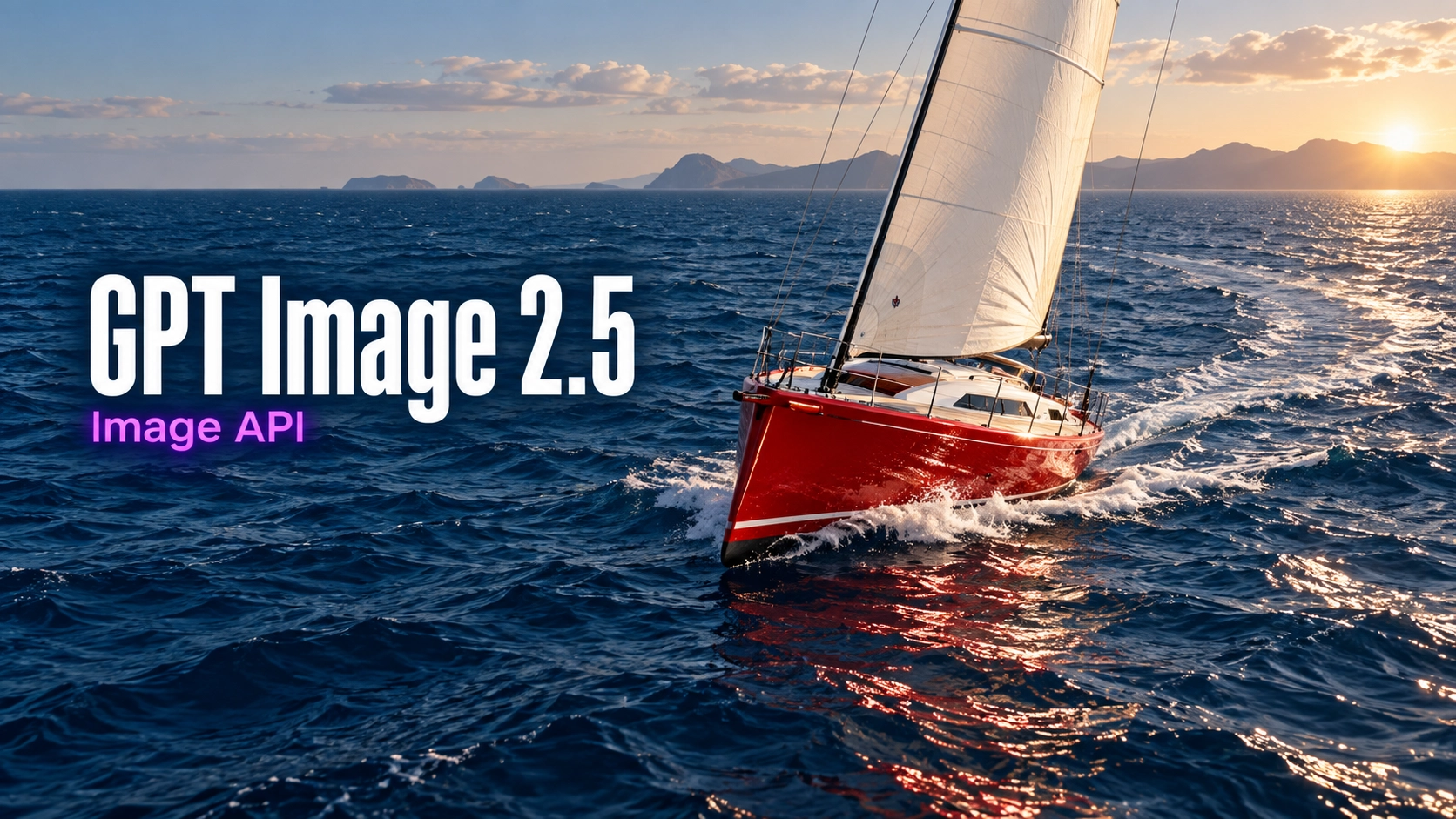
Explore image prompts for product visuals, editorial design, portraits, typography, and controlled reference-based editing.
Explore several AI creation tools for quick image and video workflows in your browser, then scale successful ideas with Best Image AI's production-ready model APIs. Best Image AI provides a unified API layer for all models, making it easy to use and scale your workflows.

Create AI images from text prompts

Create AI images from images and text prompts

Create AI videos from text prompts

Animate images into AI videos

Create AI images and videos in one unified workspace

Create consistent videos from reference media

Build visual AI image and video workflows on an infinite canvas
Create for free · Earn as an affiliate
Join the Bestimage.ai affiliate program, share your referral link with creators who need reliable AI tools, and earn commissions through your referrals.
Join the Affiliate ProgramDevelop one focused visual moment from a prompt, then refine the scene direction through further free generations instead of preparing image assets first.
Create a short scene directly from a written idea. No reference image, footage, or design file is required to begin.
Use language to set the subject, action, mood, setting, and visual style, then add a camera instruction when the shot needs a particular point of view.
Generate video and built-in AI audio together so movement, ambience, and sound all support the same prompt-led moment.
Try a new action, camera move, or visual treatment without signing up. Compare versions in local history and keep the strongest result.
Convert written creative direction into a compact visual reference for social content, campaigns, story development, and communication.
Generate a striking opening image, mood-setting scene, or concise action beat for vertical posts, creator ideas, and social campaign tests.
Describe a product reveal, material effect, commercial setting, or camera move to explore an advertising direction before a full production.
Visualize a character action, environment, or camera setup as a moving reference for a storyboard, narrative treatment, or creative pitch.
Create a supporting motion concept for a presentation, explainer, lesson, mood reel, or planning session when static imagery is not enough.
Write one visual scene, choose the framing, and generate a video directly from your words. Your completed clips appear in local browser history.
Name the main subject and action first, then add the location, lighting, time of day, atmosphere, and visual style.
Add the shot type or camera movement when it matters, choose 16:9, 9:16, or 1:1, and leave both image fields empty.
Submit the prompt, preview the finished video with audio, then adjust the action or camera language for another version or download the clip.
Explore representative AI image and video models for production-ready creative workflows, with model pages, API access, pricing details, and discounts through Best Image AI's unified model platform.