AI Text to Image Generator: Create Images From Prompts
Create high-quality visuals from simple text prompts with Best Image AI Text to Image Generator. Start with free credits, choose leading image models, fine-tune output settings, and generate polished images for design, marketing, storytelling, education, and creative production.
Core Features of AI Text to Image Generator
A powerful AI image creation workflow for turning written ideas into detailed visuals, built for strong prompt understanding, flexible model selection, clean composition, and fast creative iteration.
Example of Text-to-Image Creation
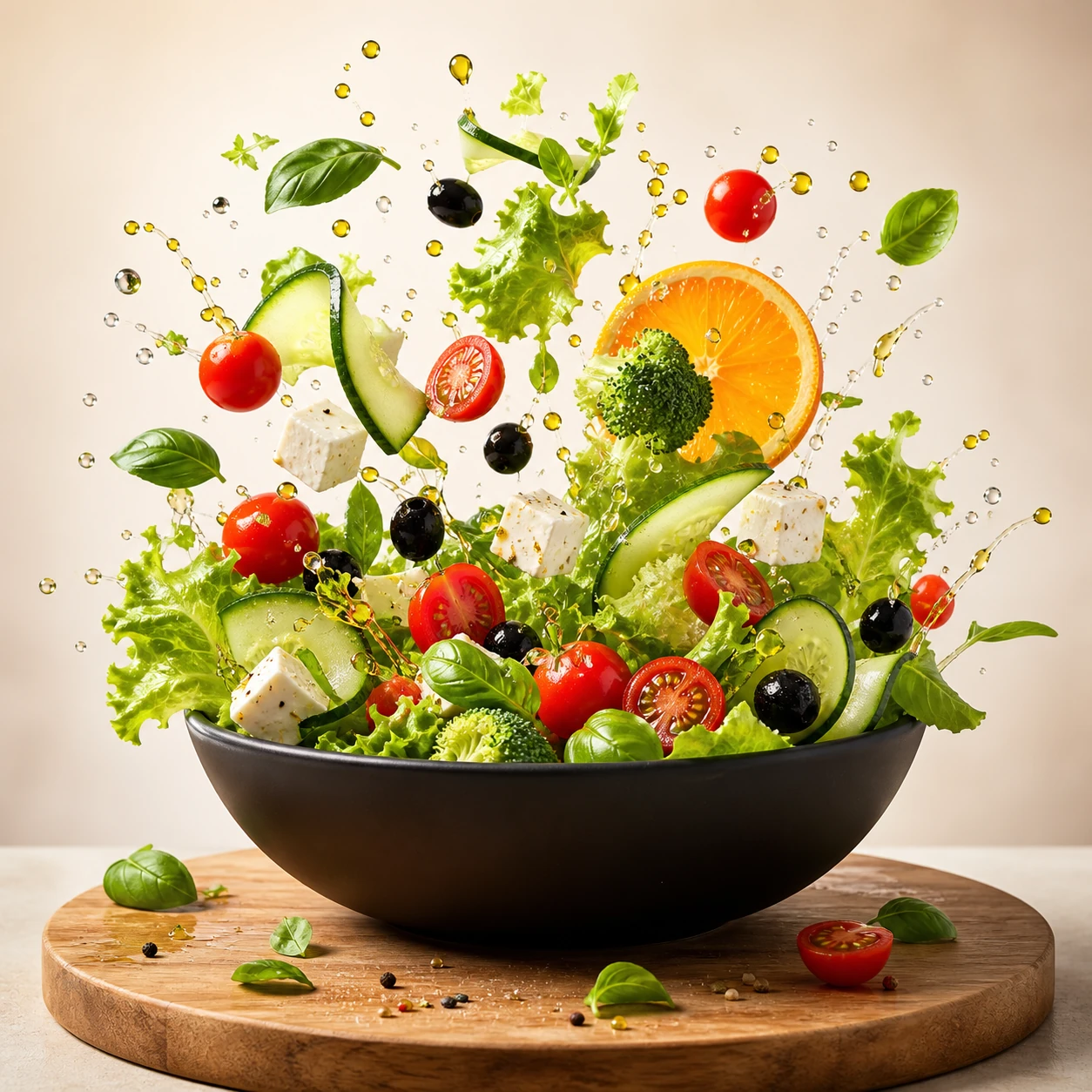
Create a square commercial food photograph of a dynamic salad explosion emerging from a matte-black bowl. Keep every ingredient crisp and recognizable, with suspended water droplets and olive oil against a bright warm-beige studio background. Use cinematic studio lighting and editorial cookbook quality. Do not include people, text, collage elements, or interface graphics.
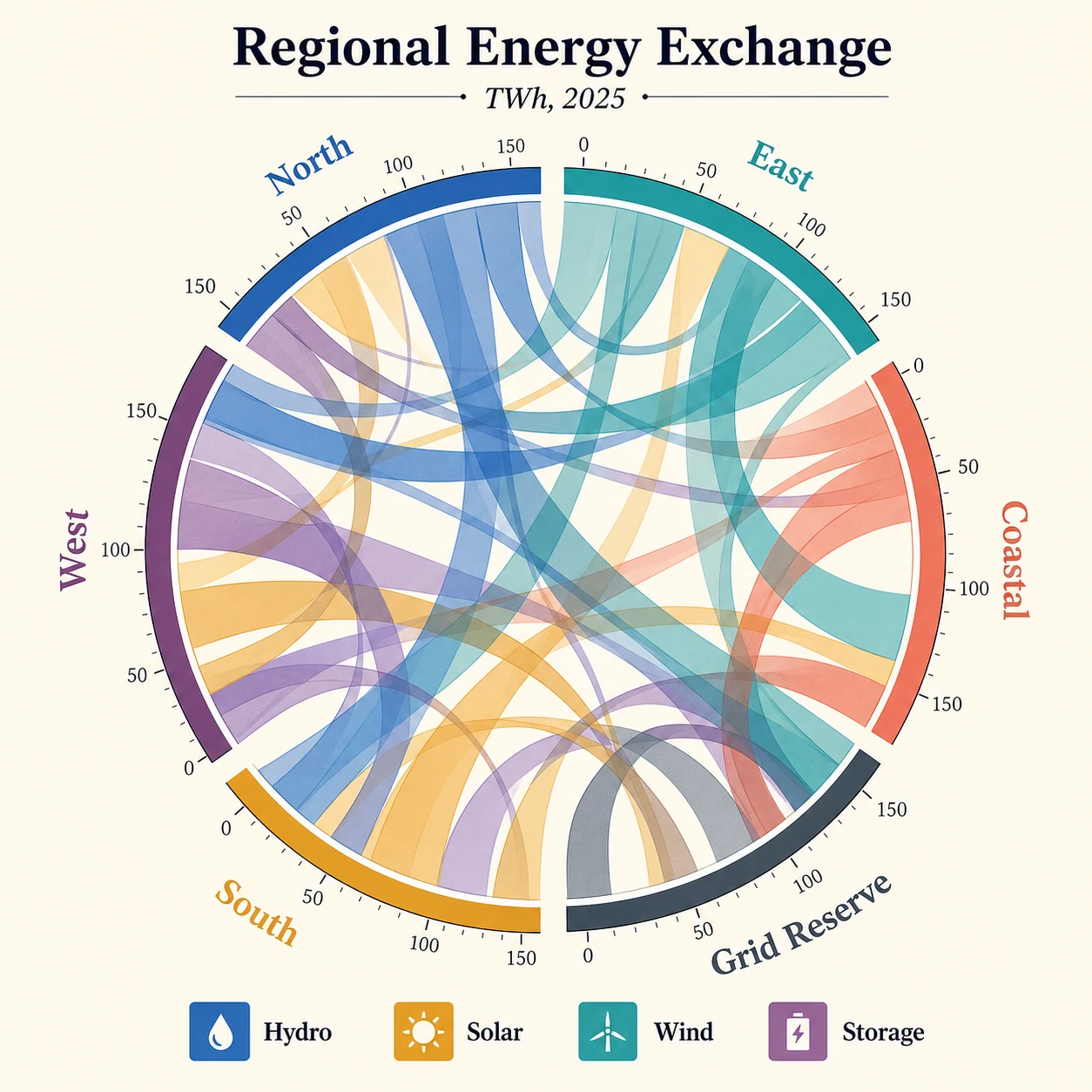
Create a square publication-quality chord diagram on a bright ivory background using cobalt, teal, ochre, coral, plum, and graphite. Accurately render the title "Regional Energy Exchange," subtitle "TWh, 2025," six regional labels, four legend items, and numeric ticks. Use precise arcs, semi-transparent ribbons, crisp typography, clear hierarchy, and balanced white space.
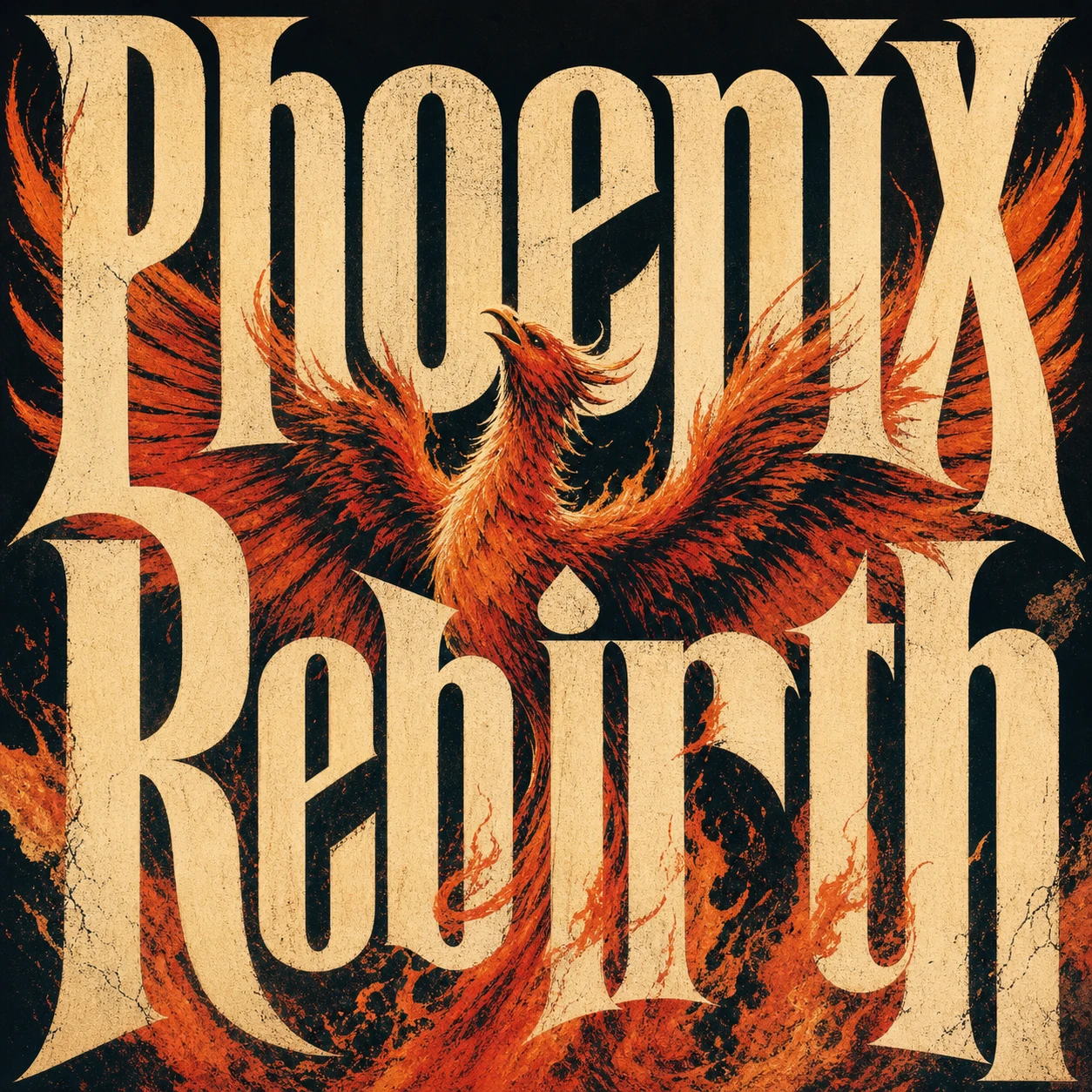
Create a square premium conceptual typography poster for the exact title "Phoenix Rebirth." Make custom letterforms the dominant visual structure and interweave them with a strong visual metaphor for rebirth. Use a restrained four-to-six-color system, silkscreen texture, paper fibers, subtle ink imperfections, bold scale, intelligent negative space, and museum-quality editorial composition. Do not add unrelated text, logos, moodboard panels, or collage labels.
Example of Creative Image Variations
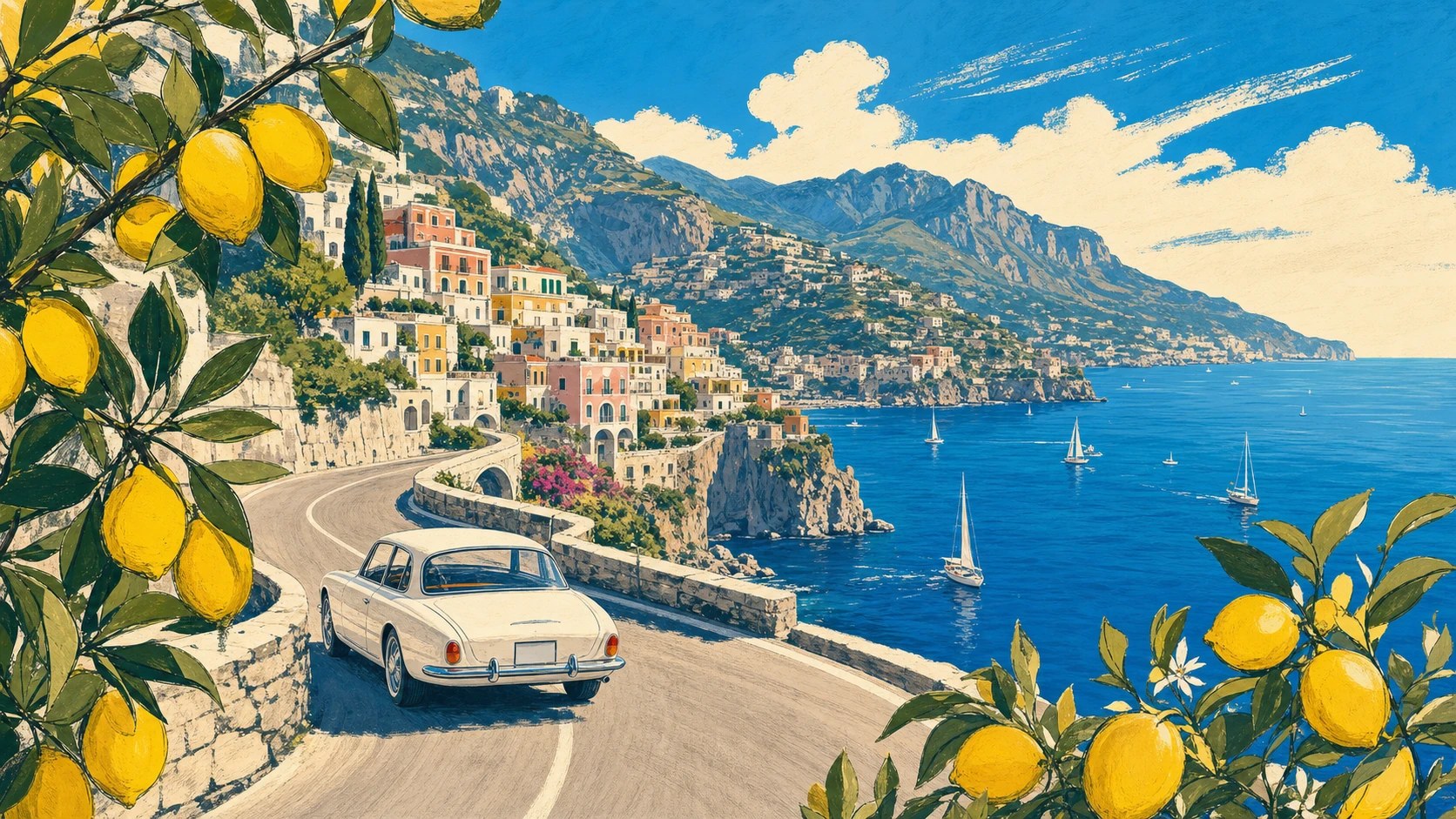
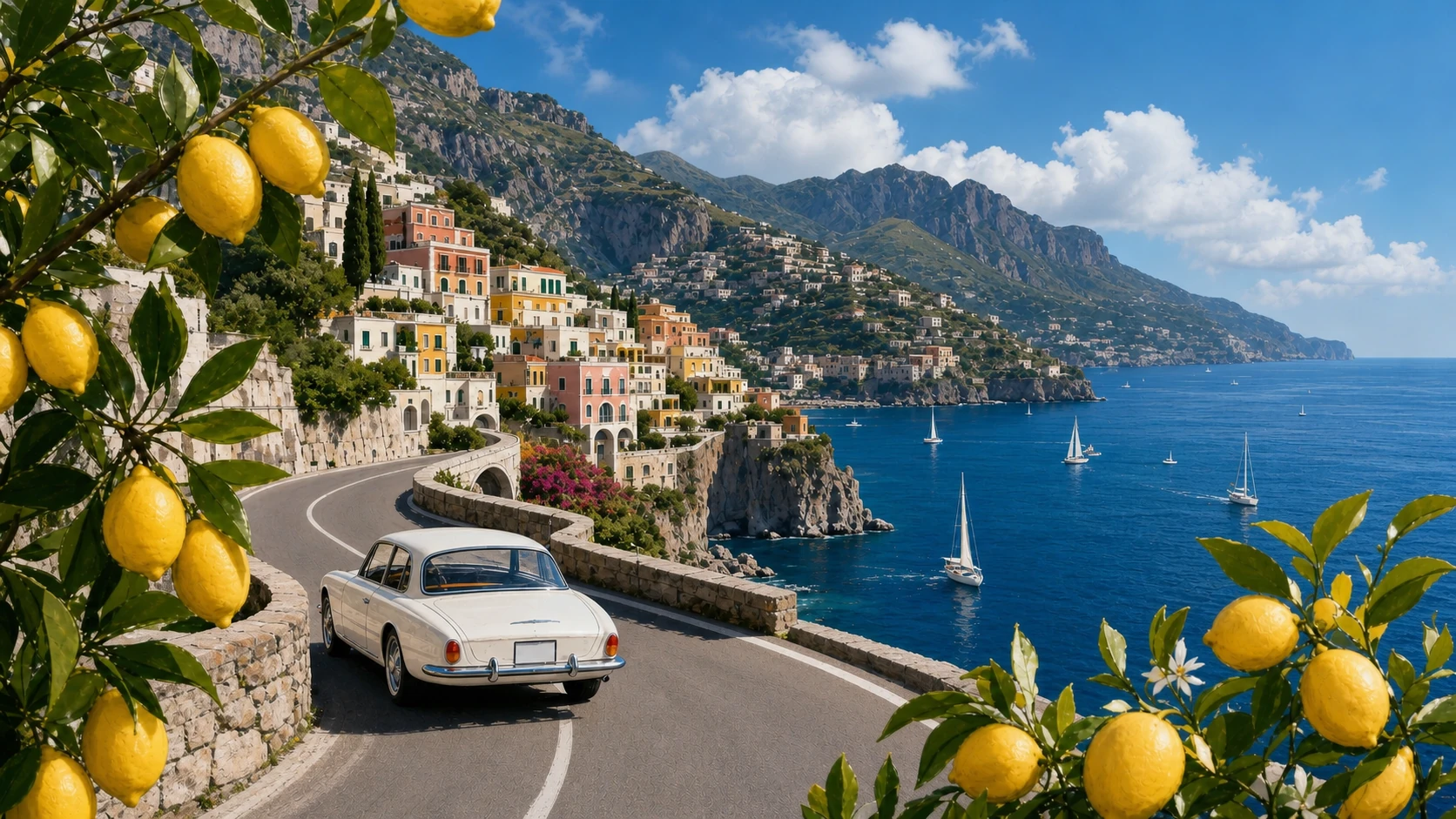
Create a 16:9 vintage travel illustration of the Amalfi Coast. Show a white 1960s car driving along a curved cliffside road, the deep-blue Mediterranean with small sailboats, a colorful pastel hillside village, distant mountains, and lemon branches framing the foreground. Use warm summer light, bold harmonious colors, loose hand-drawn contours, and screen-print texture. Show no text.
Transform Image 1 into a photorealistic travel photograph. Strictly preserve the road curve, white car position and direction, village, mountain ridge, coastline, sailboat distribution, lemon framing on both sides, viewpoint, and 16:9 scene structure. Change only the medium and material realism, with natural Mediterranean light, believable surfaces, atmospheric depth, and physically accurate reflections.
Example of Style and Layout Control
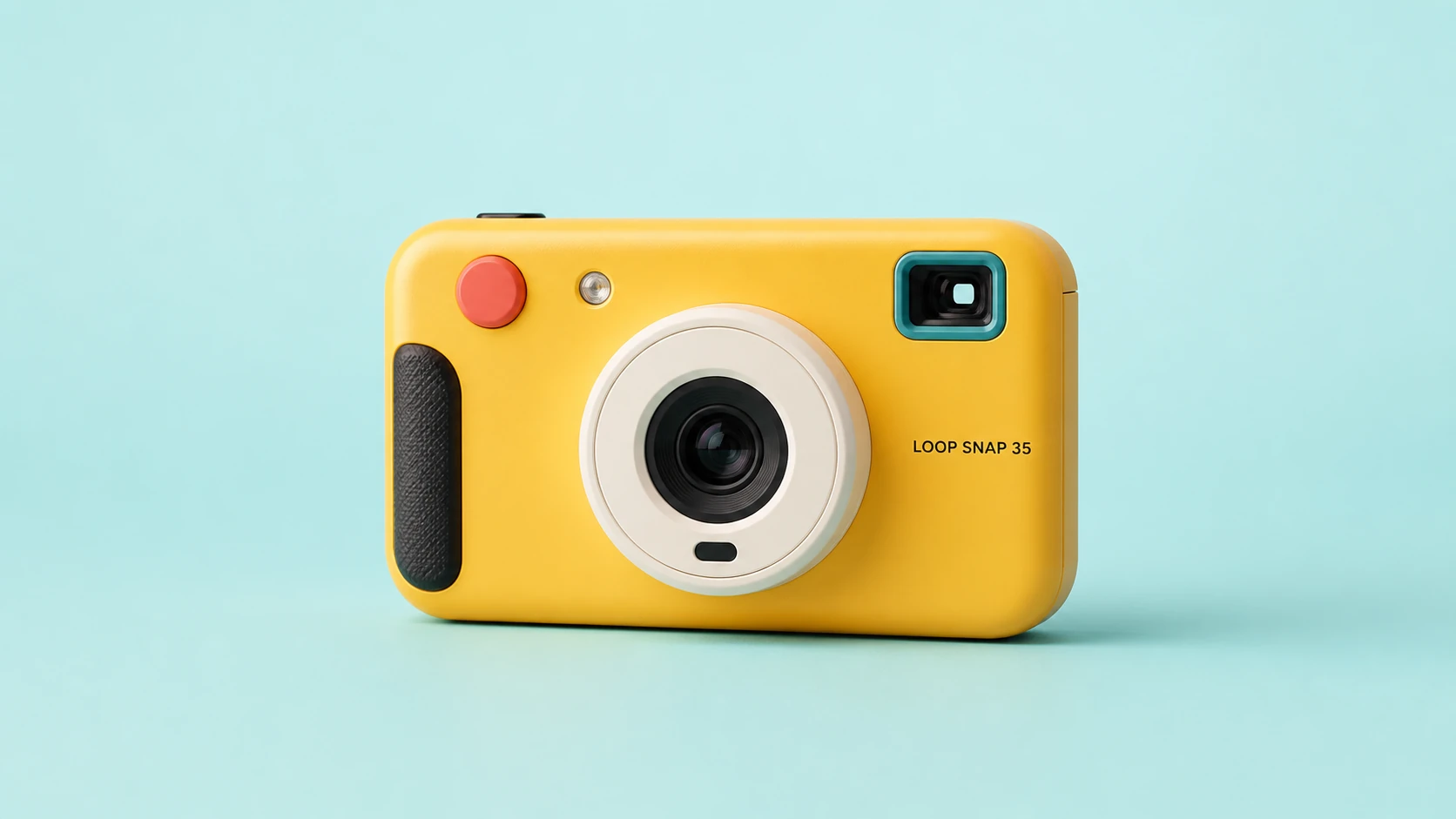
Create a clean 16:9 product photograph of a compact instant camera named "LOOP SNAP 35." The camera is sunflower yellow with an ivory lens barrel, coral shutter button, teal viewfinder, and black grip, placed against a pale aqua studio background. Keep the product unobstructed and fully readable. Do not include props, doodles, extra text, logos beyond the product label, or campaign graphics.
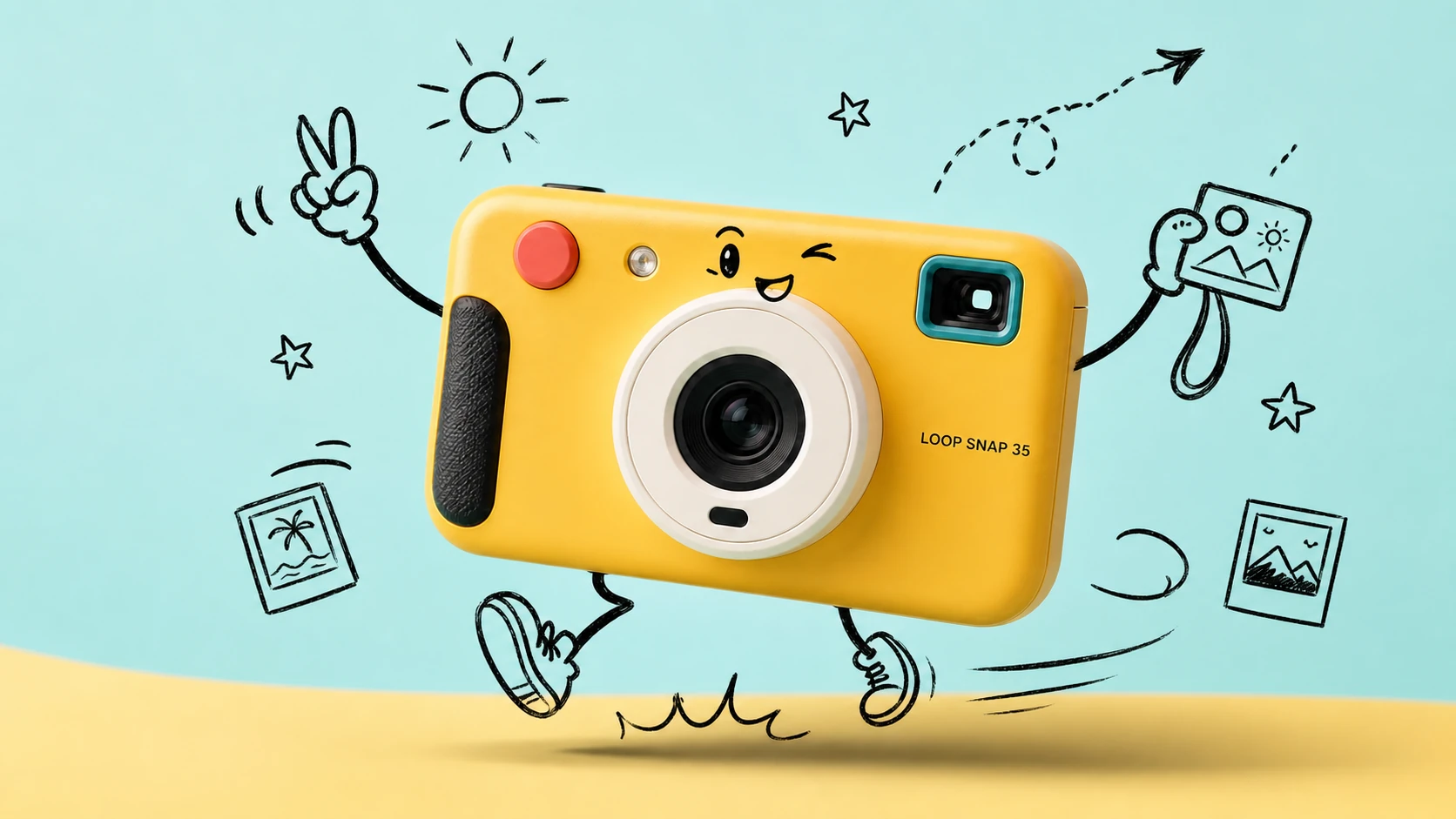
Transform Image 1 into a bright travel-photography commercial advertisement. Strictly preserve the camera's geometry, colors, materials, lens, controls, proportions, reflections, and exact "LOOP SNAP 35" label. Add only consistent loose black-marker doodles around the product: arms, legs, a playful expression, instant photos, a sun, stars, route arrows, and motion lines. Keep the camera photorealistic and unchanged.
Text-to-Image Generator Features
Generate professional-grade AI images with natural-language prompts, free credits, multi-model access, aspect ratio control, resolution options, and transparent credit estimates in one creation flow.
Leading Multi-Model Image Generation
Switch between supported text-to-image models from providers such as OpenAI, Google, ByteDance, Alibaba, and xAI to match each creative task with the right visual engine.
Prompt-Driven Visual Control
Describe subjects, lighting, camera angle, color palette, mood, text, layout, and image purpose in one prompt, then let the selected model translate your direction into a finished visual.
Flexible Ratios and Output Sizes
Create square images, vertical posts, posters, thumbnails, banners, product scenes, and widescreen concepts with model-specific aspect ratio and resolution settings.
Clear Credit Cost Before Generation
Review estimated generation cost before you start, with free credits and pricing adapted to the selected provider, model, quality, resolution, and current discount rules.
Text-to-Image Use Cases
Use Best Image AI Text to Image Generator whenever you need original images from words, without preparing a reference image or building a complex design workflow.
Marketing and Social Visuals
Generate campaign concepts, product scenes, launch graphics, social media posts, thumbnail ideas, and ad variations directly from a written creative brief.
Design Drafting and Brand Exploration
Turn moodboards, visual directions, style notes, packaging ideas, and layout concepts into polished drafts for faster review and iteration.
Education and Presentation Images
Create classroom visuals, concept illustrations, diagrams, explainer images, and presentation assets that make abstract information easier to understand.
Storytelling and Concept Art
Develop characters, cinematic frames, environments, posters, covers, worldbuilding scenes, and narrative artwork from detailed text descriptions.
How to Generate Images From Text
Write a clear prompt, choose a model, adjust image settings, then generate and refine your result online.
Input Your Image Prompt
Describe the image you want, including subject, setting, style, lighting, composition, mood, colors, camera angle, and any text that should appear.
Choose Model and Settings
Select a provider and model for your creative goal, then set ratio, resolution, quality, seed, or prompt optimization when the chosen model supports them.
Generate, Preview, and Refine
Click generate, review the image result, adjust your prompt or settings, then download the finished image in supported formats such as JPG, PNG, or WebP.
Explore More AI Models for Media Creation
Discover more image, video, and chat models on Best Image AI, with model pages that include capabilities, pricing details, API examples, and playground access.
 seedance-v2.0-image-to-videoimage-to-video
 flux-3.0-image-to-videoimage-to-video
 qwen-image-3.0-protext-to-imageseedream-v5.0-pro-editimage-to-imageseedance-v2.0-mini-image-to-videoimage-to-videoqwen-image-3.0-editimage-to-image
 gemini-omni-1.1-flash-video-editvideo-editveo3.1-text-to-videotext-to-video