AI Image to Image Generator: Edit Images With Reference Images
Upload a reference image and transform it with Best Image AI Image to Image Generator. Start with free credits, use natural-language prompts to restyle photos, preserve subjects and composition, edit visual details, and generate polished visuals for design, marketing, product, and creative workflows.
Core Features of AI Image to Image Generator
A flexible image-to-image creation tool for reference-guided generation, visual editing, style transfer, product mockups, and fast image variation while preserving key source-image details.
Example of Reference-Guided Generation
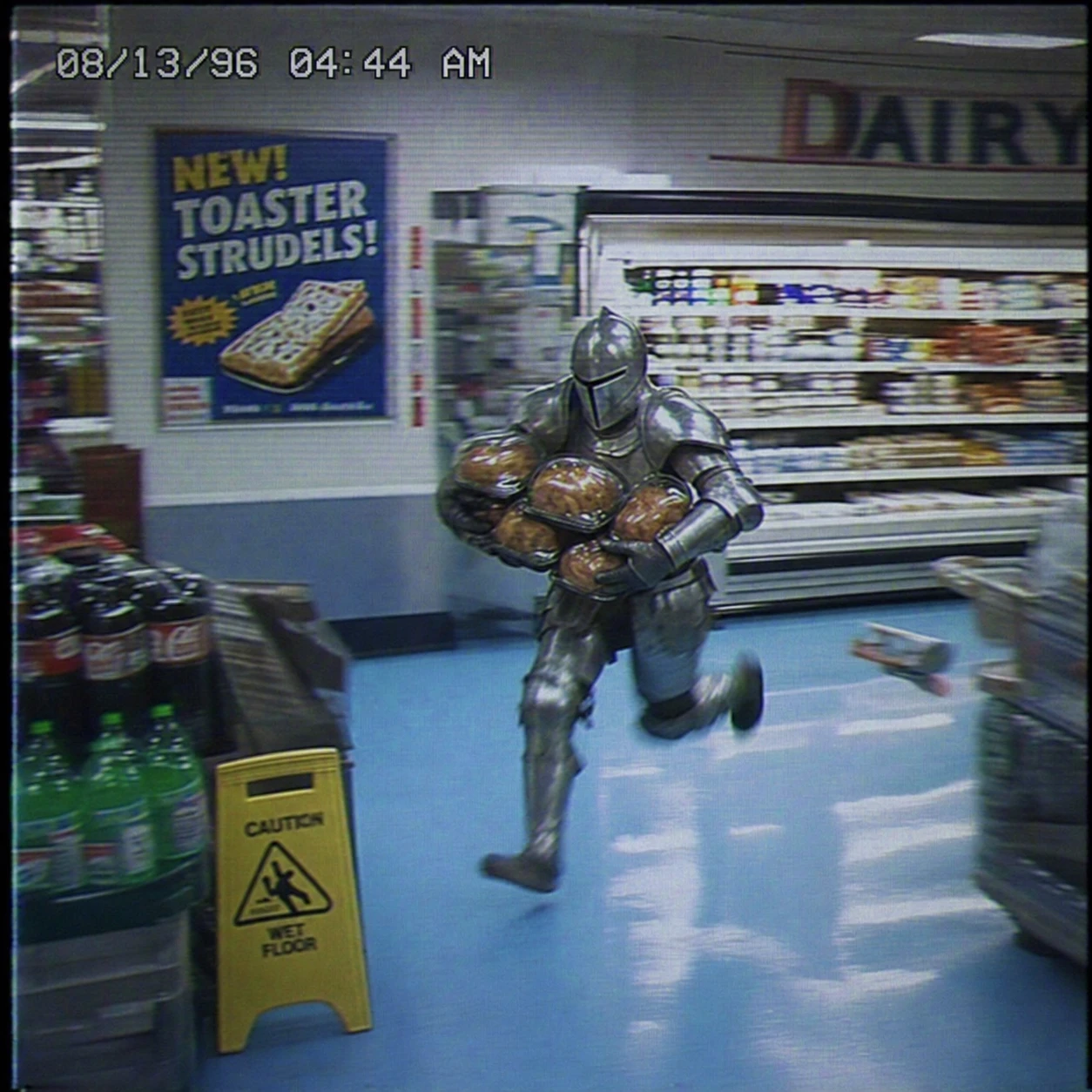
Create a square VHS surveillance still from a 1990s grocery store. A man in full medieval armor sprints through the dairy aisle carrying several rotisserie chickens. Preserve the fluorescent reflections on the armor, baby-blue floor tiles, motion blur, analog color bleed, surveillance noise, timestamp, and vintage food poster to create an absurd, slightly intense low-fidelity moment.
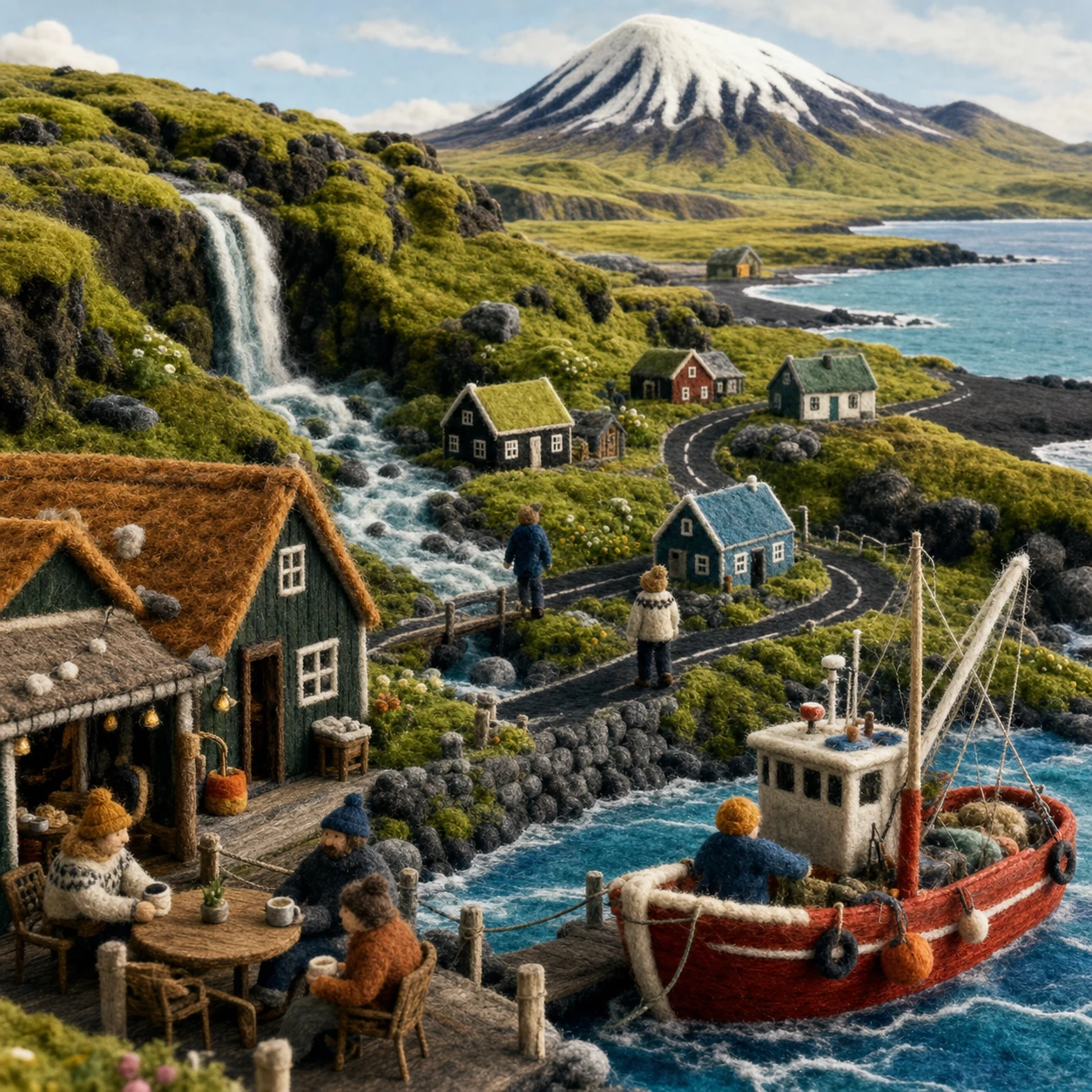
Create a square handmade Icelandic wool-felt miniature world as one cohesive scene. Include a harbor cafe, tiny residents, a red fishing boat, waterfall, tundra, black-sand shoreline, fjord, and snow-capped mountain. Emphasize yarn, needle felt, visible stitching, and tactile fibers. Do not use a collage or typographic layout.
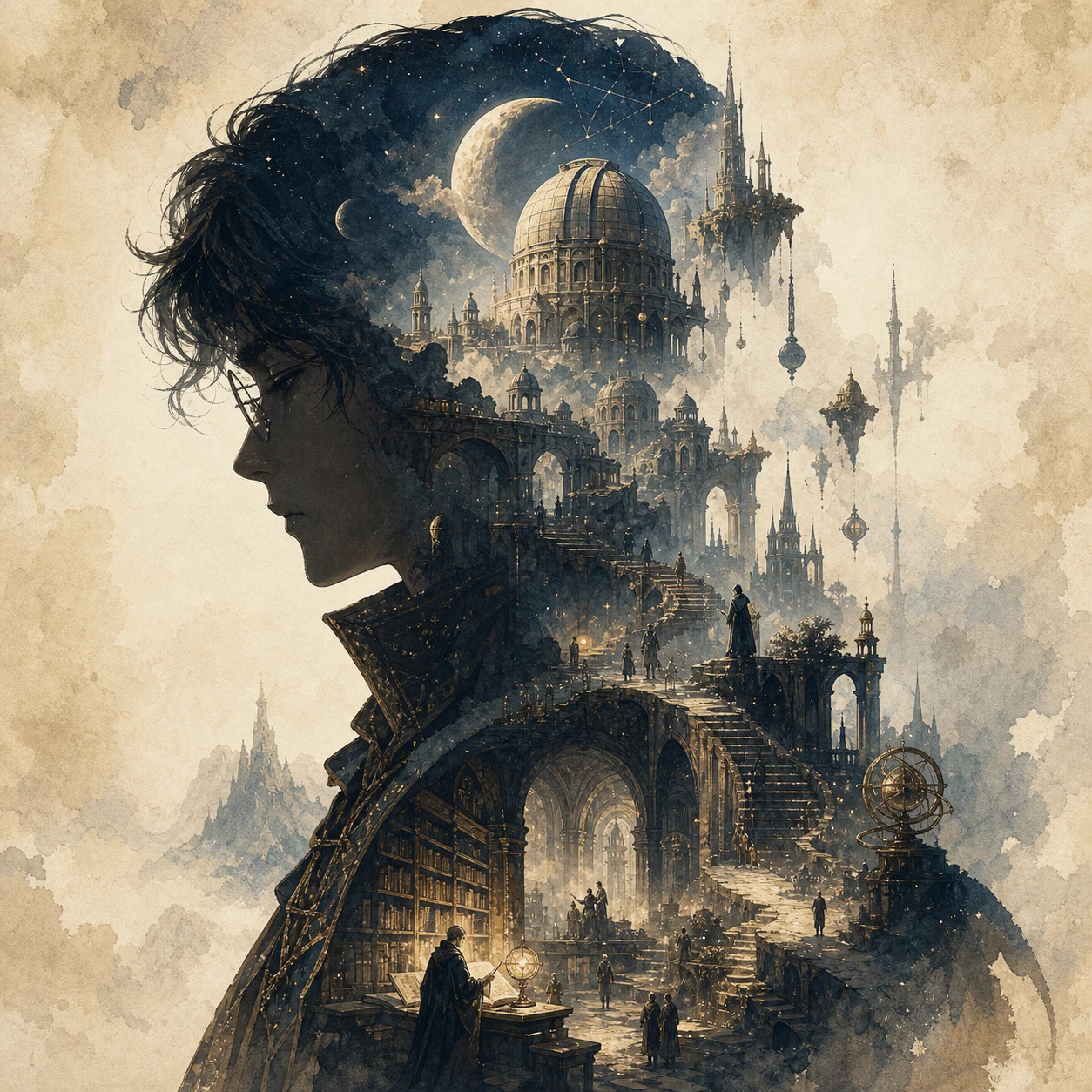
Create a square collector's-edition narrative silhouette poster for an original fantasy theme called "The Celestial Archive." Use the clear side profile of a lone archivist as the outer silhouette, with observatories, floating stairways, bridges, ancient libraries, moons, towers, relics, and distant pilgrims growing naturally inside it. Blend cinematic poster design with dreamy watercolor, paper grain, soft mist, and elegant negative space. Show no text.
Example of Image Editing
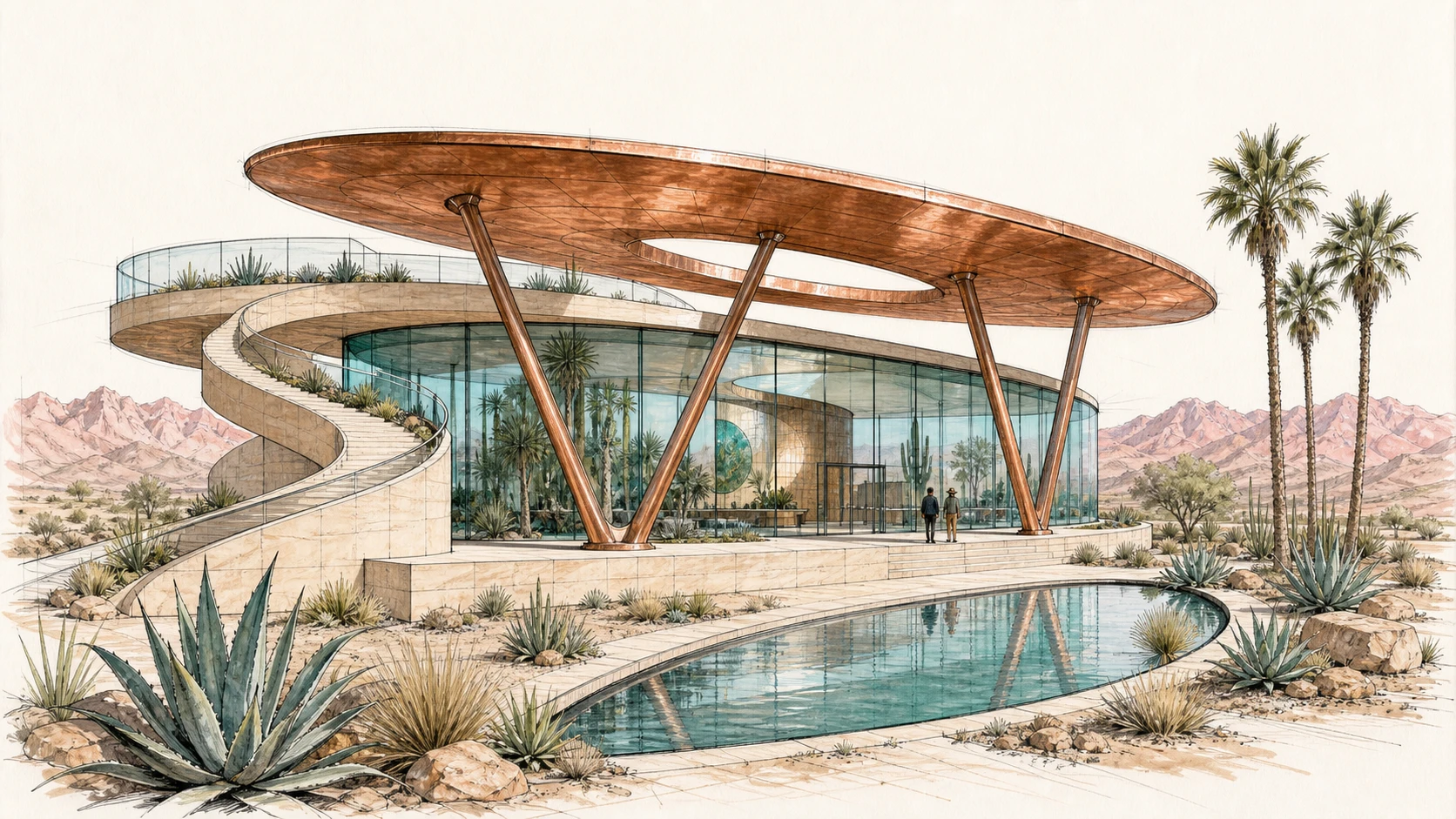
Create a 16:9 architectural concept sketch for a desert botanical observatory from a low three-quarter viewpoint. Keep the oval copper roof, curved glass pavilion, V-shaped supports, spiral ramp on the left, rooftop terrace, crescent reflecting pool, agave plants, palm trees, and distant mountains fully visible. Use graphite, black ink, and restrained copper, turquoise, sage, and blush marker washes.
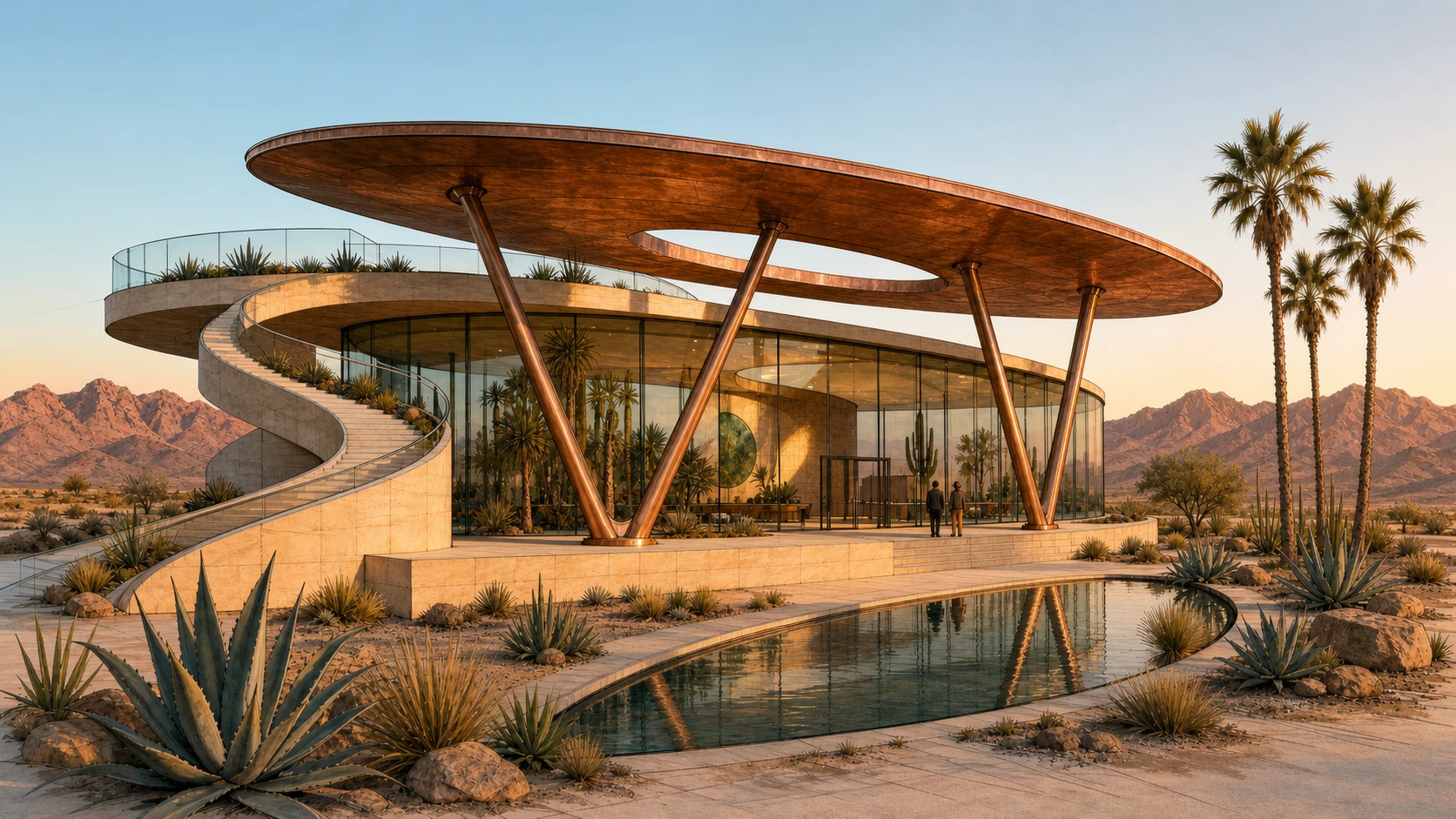
Transform Image 1 into a photorealistic architectural photograph at golden hour. Strictly preserve the camera position, oval roof, curved glass pavilion, V-shaped supports, sandstone plinth, spiral ramp on the left, rooftop terrace, crescent pool, plants, visitors, and mountain horizon. Realize the materials as weathered copper, low-iron glass, and pale sandstone, with physically accurate reflections, long shadows, and warm interior light.
Example of Style Transformation
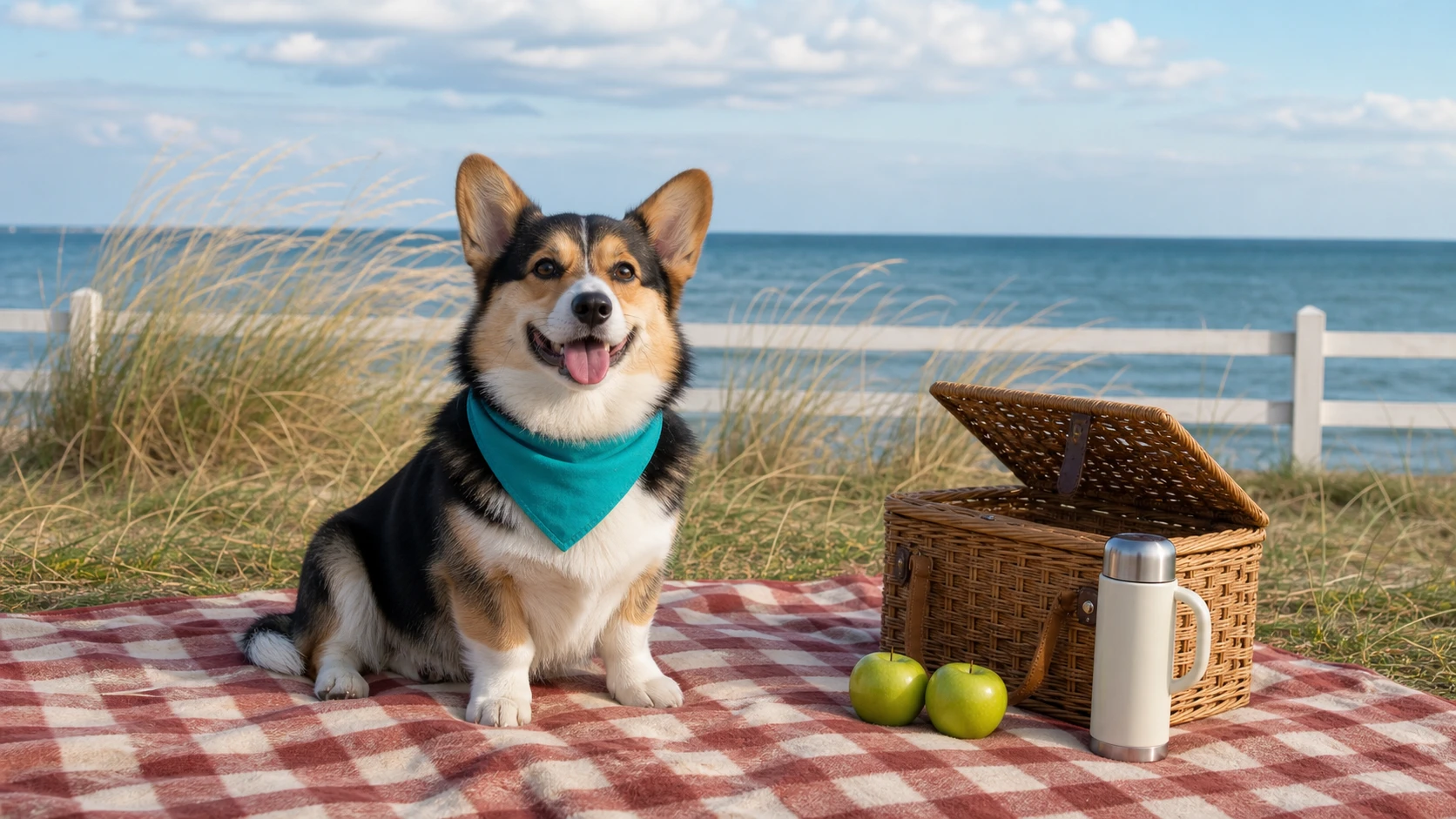
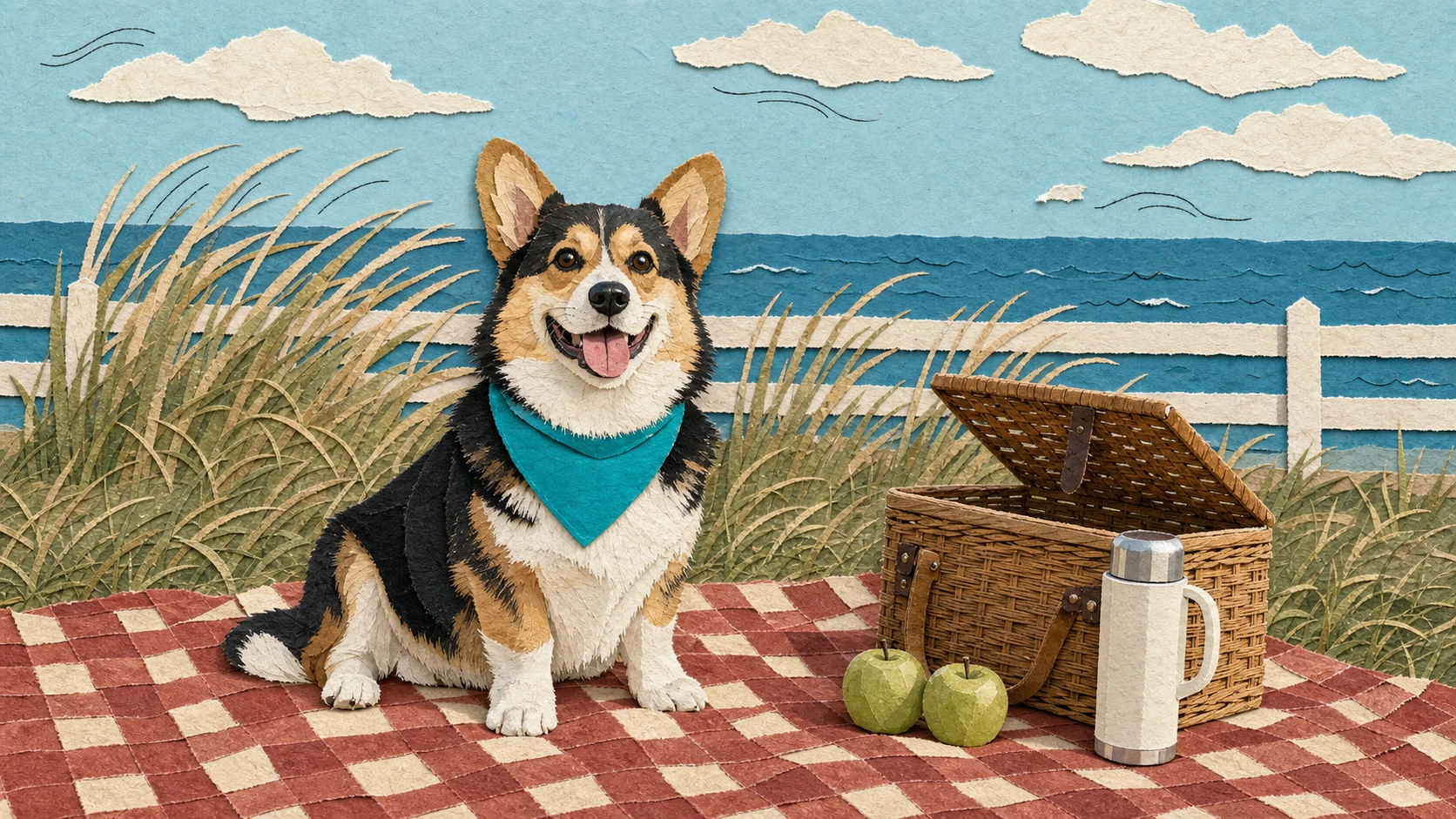
Create a 16:9 seaside lifestyle photograph of a cheerful tricolor corgi wearing a teal bandana and sitting on a red-and-cream checkered picnic blanket. Place a half-open woven basket, two green apples, and a cream thermos on the right. Keep the dune grass, low white fence, and sea horizon visible in the background.
Transform Image 1 into a handmade editorial paper collage. Strictly preserve the corgi's pose, ear shape, tricolor markings, teal bandana, and position, as well as the picnic blanket, basket, two apples, thermos, dune grass, fence, sea horizon, and 16:9 composition. Rebuild the scene with layered matte paper, torn edges, subtle paper shadows, and a few restrained black ink lines suggesting the breeze.
Image-to-Image Generator Features
Transform existing images with prompt control, reference-image input, subject preservation, model selection, ratio options, resolution settings, and transparent credit estimates in one online workflow.
Reference Image Guided Creation
Upload a photo, sketch, product image, character concept, or design draft, then use a prompt to guide how the AI should transform the image while preserving the important subject, structure, or layout.
Natural-Language Image Editing
Describe what to change, enhance, replace, restyle, or preserve, making image editing easier for creators who want strong results without manual design tools.
Multi-Model Creative Control
Choose supported image-to-image models from leading providers to compare visual quality, prompt following, style transfer, detail preservation, and pricing.
Transparent Credit Estimates
Check the estimated credit cost before generation, with free credits and pricing adapted to the selected model, image settings, output quality, and current discount rules.
Image-to-Image Use Cases
Use Best Image AI Image to Image Generator when an existing image should guide the result, whether you need a refined edit, a new style, a product variation, or a concept upgrade.
Product and E-Commerce Visuals
Turn product photos into lifestyle scenes, campaign images, clean mockups, packaging previews, and visual variations for faster creative testing.
Photo Restyling and Creative Editing
Transform portraits, interiors, fashion shots, objects, and illustrations into new styles while keeping important subject details and visual structure.
Design Iteration and Concept Refinement
Upload sketches, drafts, UI visuals, moodboard images, or layout references, then generate polished alternatives for review, presentation, and exploration.
Story, Character, and Scene Development
Create consistent variations of characters, environments, props, posters, and cinematic frames using reference images plus clear prompt direction.
How to Generate Images From Images
Upload a reference image, write an editing prompt, choose a model, then generate and refine your new image result.
Upload Your Reference Image
Start with a product photo, portrait, sketch, design draft, style reference, or any image that should guide the generated result.
Describe the Transformation
Write a prompt explaining what to change and what to preserve, including style, background, lighting, colors, composition, subject details, and output goal.
Generate and Refine
Choose a supported model and settings, generate the image, preview the result, then download the finished image in supported formats such as JPG, PNG, or WebP.
Explore More AI Models for Media Creation
Discover more image, video, and chat models on Best Image AI, with model pages that include capabilities, pricing details, API examples, and playground access.


